Perform a global search on the DC.gov website to determine entity name availability or research business information of companies registered with the Department of Licensing and Consumer Protection. The service can also be used to investigate professional licenses in the DCLP database.
Business Entity Search

By searching, you agree to our Terms of Use and Privacy Policy.
Business Entity Search
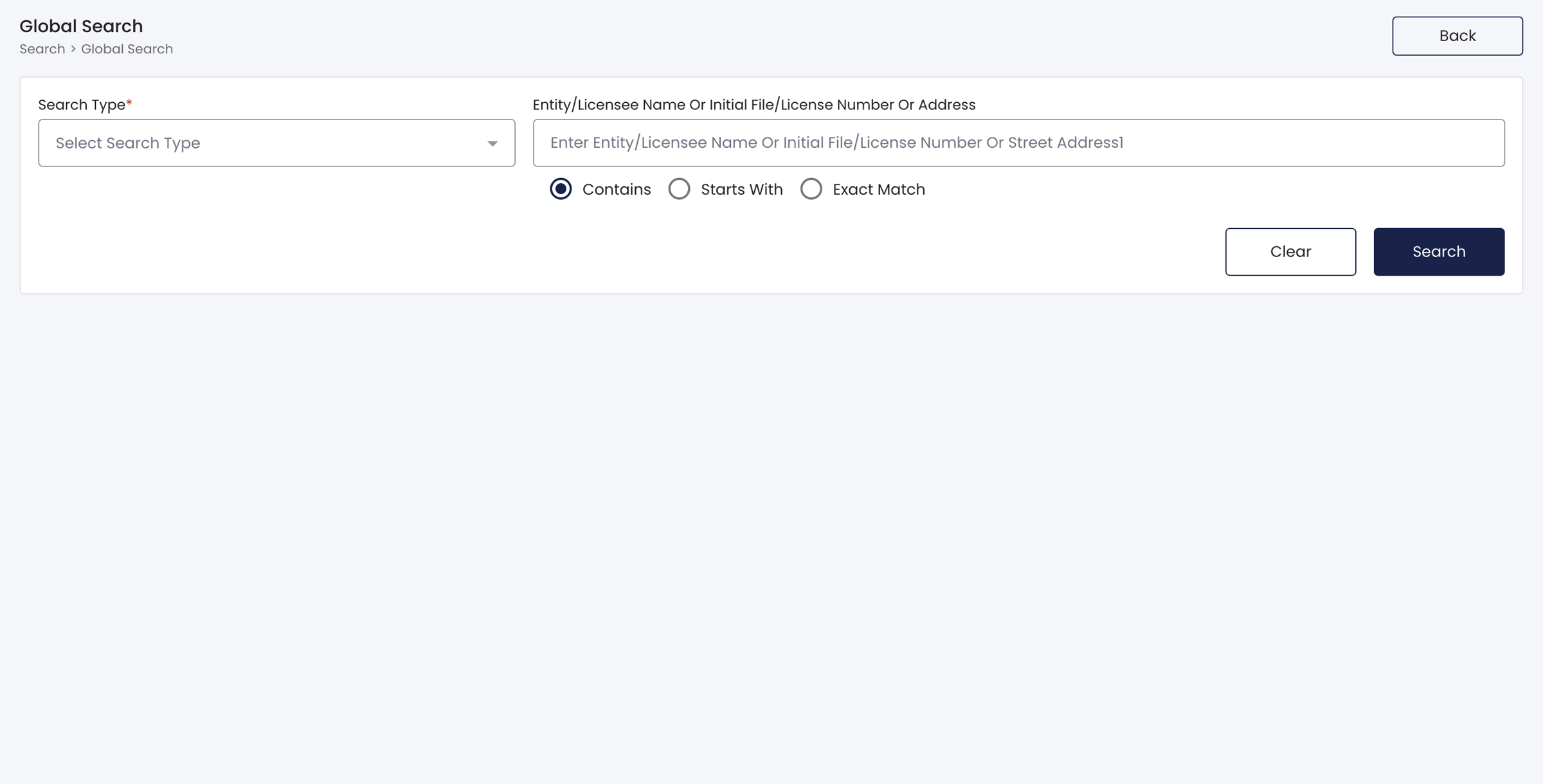
1. Visit the BOSS Global Search Homepage
2. Enter Search Info
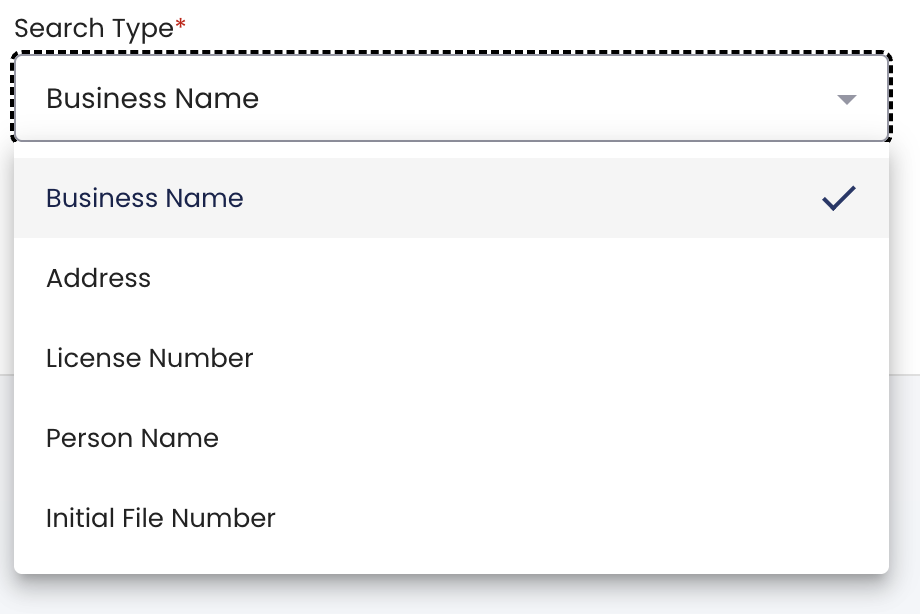
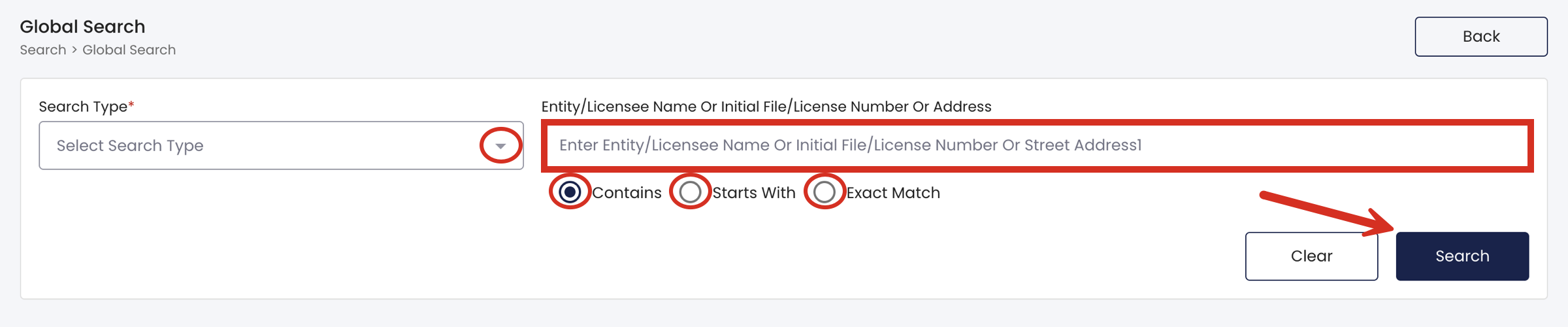
Start with selecting the Search Type in the dropdown menu and choosing one of the five options (see image). If performing an name availability search, select Business Name.
Next, enter the name, file number, or street address into the available field. If applicable, select whether the researched entity Contains, Starts With, or is an Exact Match of the one entered into the field.
Click Search when ready.
3. Pass reCAPTCHA
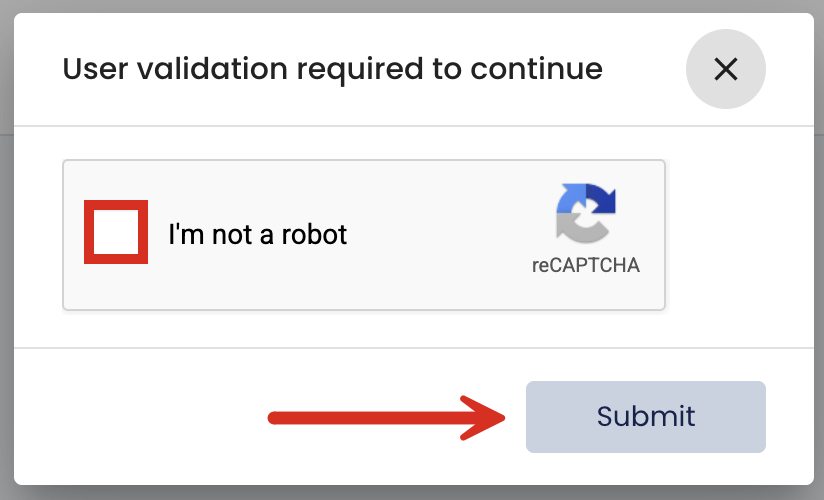
A window will appear that asks for validation that the user is not a robot. Select the checkbox and click Submit.
4. Review Business Results
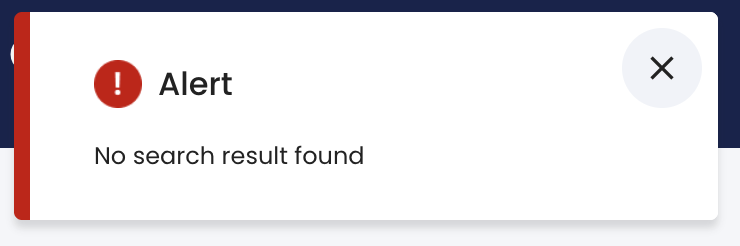
In the case of a name availability search, an alert specifying that there were no results found (see image) usually indicates the name is not currently in use and can be applied to a new company.
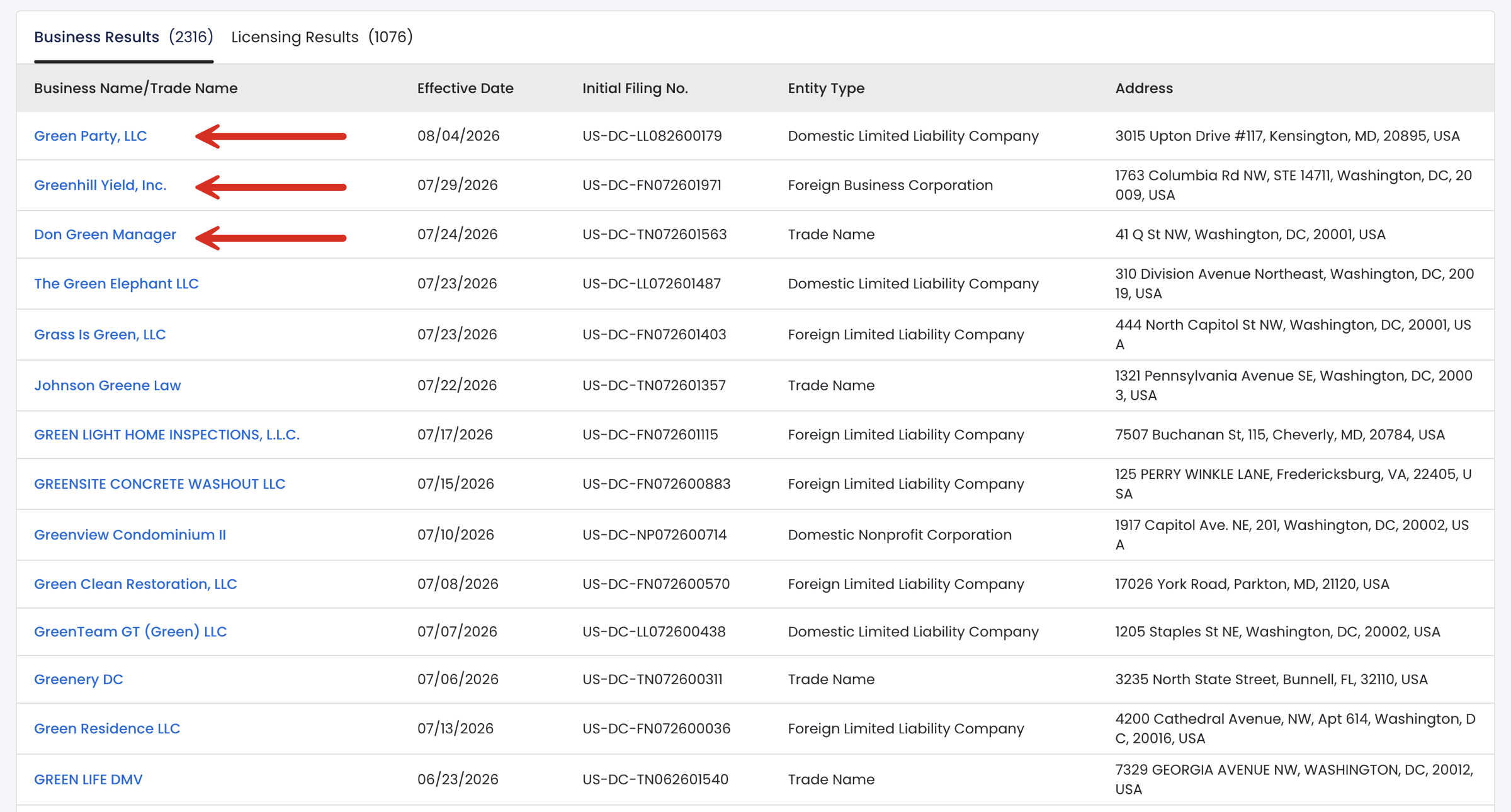
Otherwise, a list of results should appear under the Business Results tab that lists all matching entities including their Effective Date, Initial Filing No., Entity Type, and Address. Clicking the Business Name/Trade Name of any entity will display its complete public information.
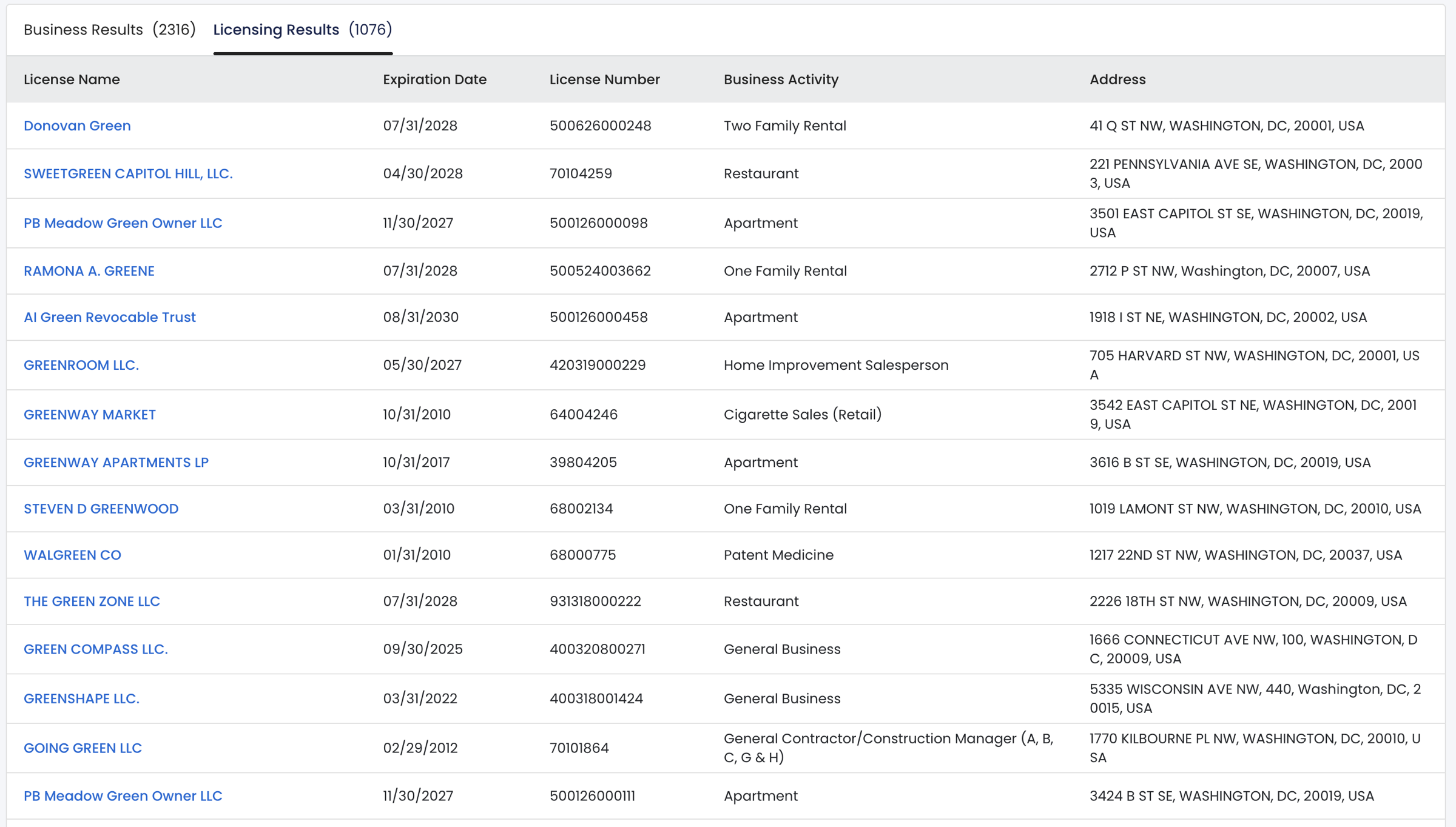
Also available on this page are the Licensing Results (see image), a list of business licenses that match the search criteria entered in the previous step.
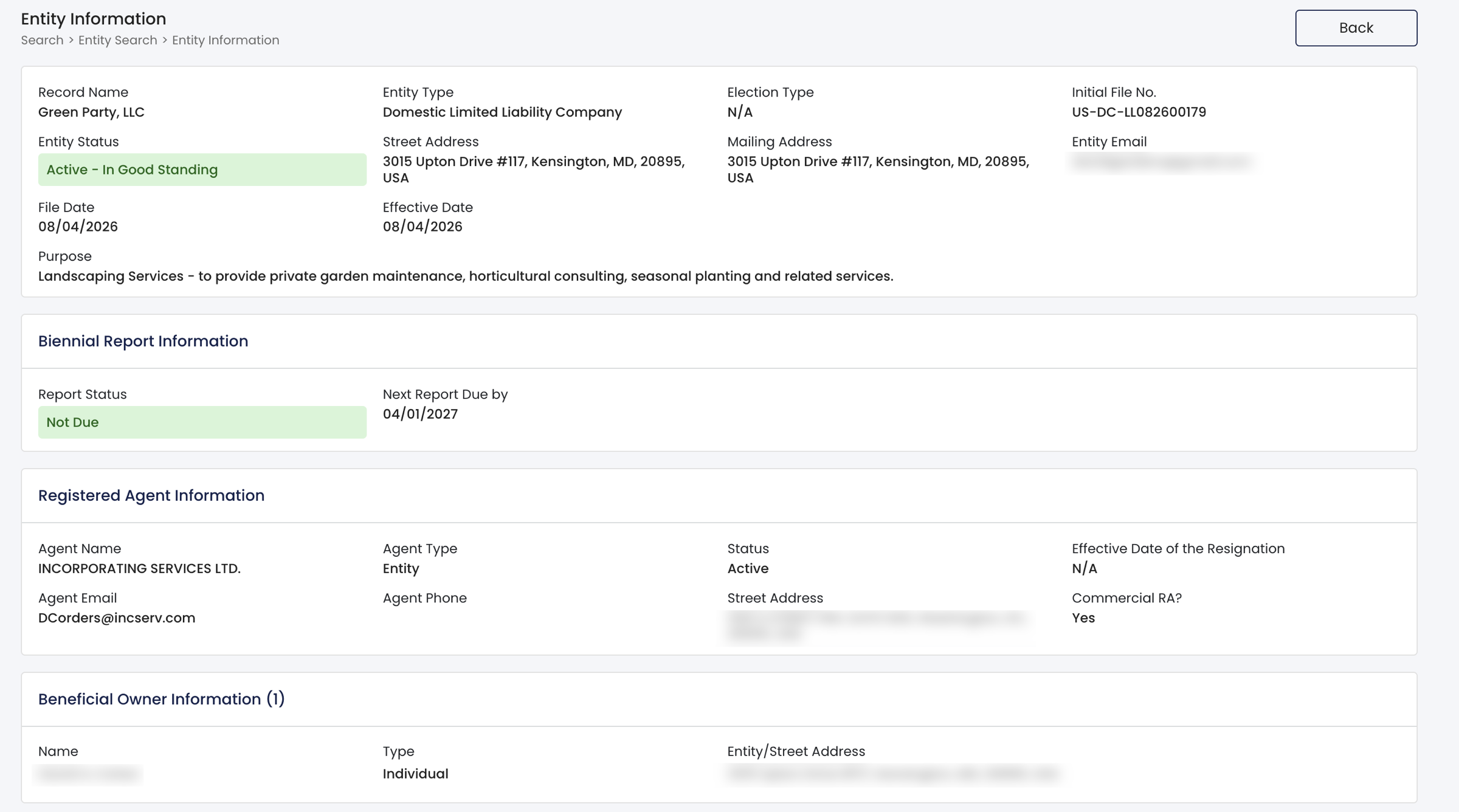
5. Read Entity Information
The Entity Information window will relay all of the following information:
- Record name
- Entity type
- Election type
- Initial filing #
- Entity status
- Street address
- Mailing address
- Entity email
- File date
- Effective date
- Business purpose
- Biennial report status + next due date
- Registered agent:
- Name
- Type
- Status
- Effective date of resignation
- Phone
- Street address
- Whether commercial RA
- Beneficial owner name, type, address
6. Read Additional Entity Information
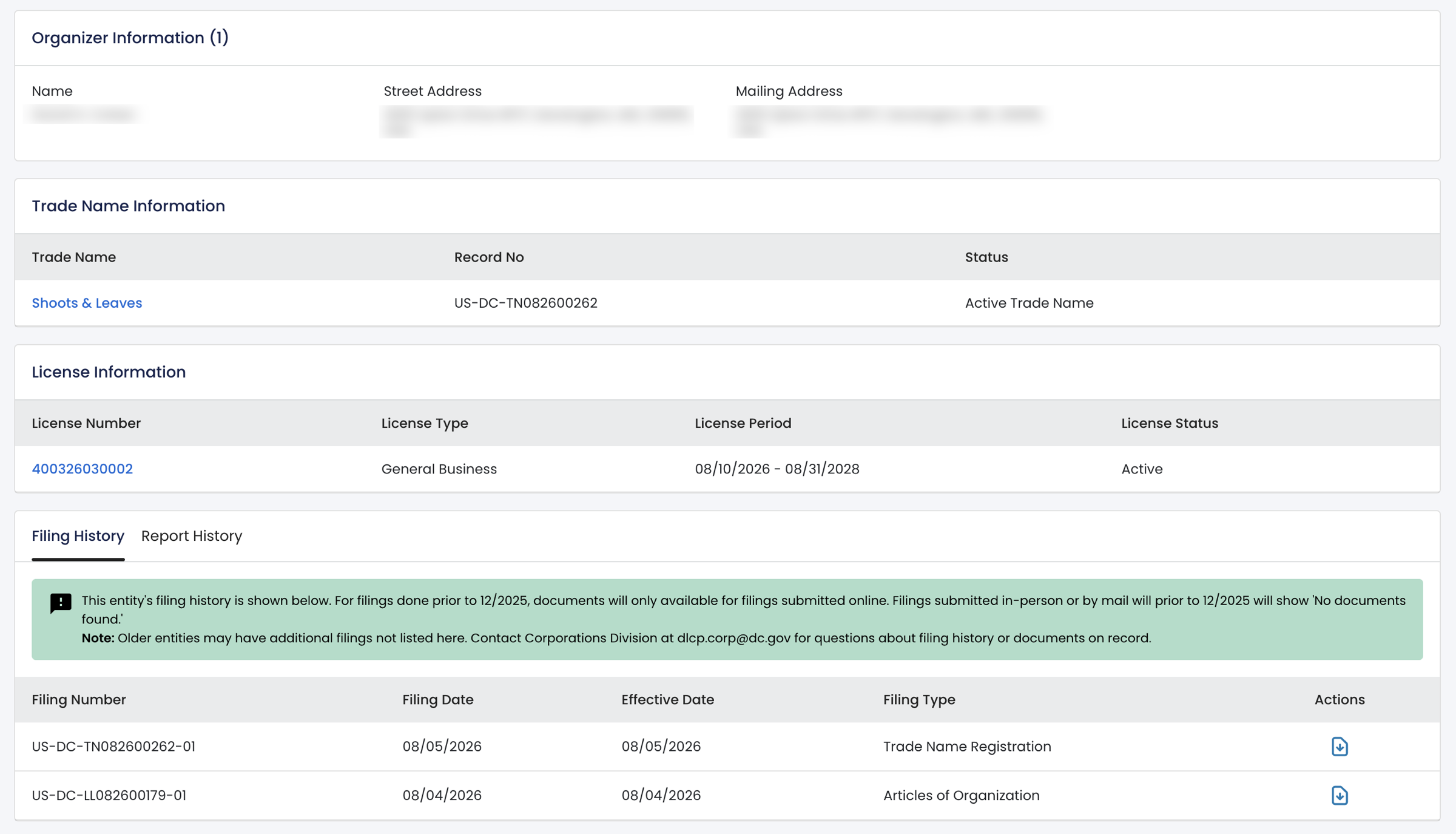
Further down the page, users will be able to review the:
- Organizer name and address(es)
- Trade name, record #, and status
- License number, type, period, and status
- Filing history, including:
- Filing number
- Filing date
- Effective date
- Filing type