Conduct a Florida business search to look up details for entities registered in the Division of Corporations database. Searching by entity name is a popular option that lets users see if a business name is already taken. An address or other known business detail can also be used to locate a specific entity and access its information.
Business Entity Search

By searching, you agree to our Terms of Use and Privacy Policy.
Business Entity Search
1. Open the Search Page
2. Decide How to Search
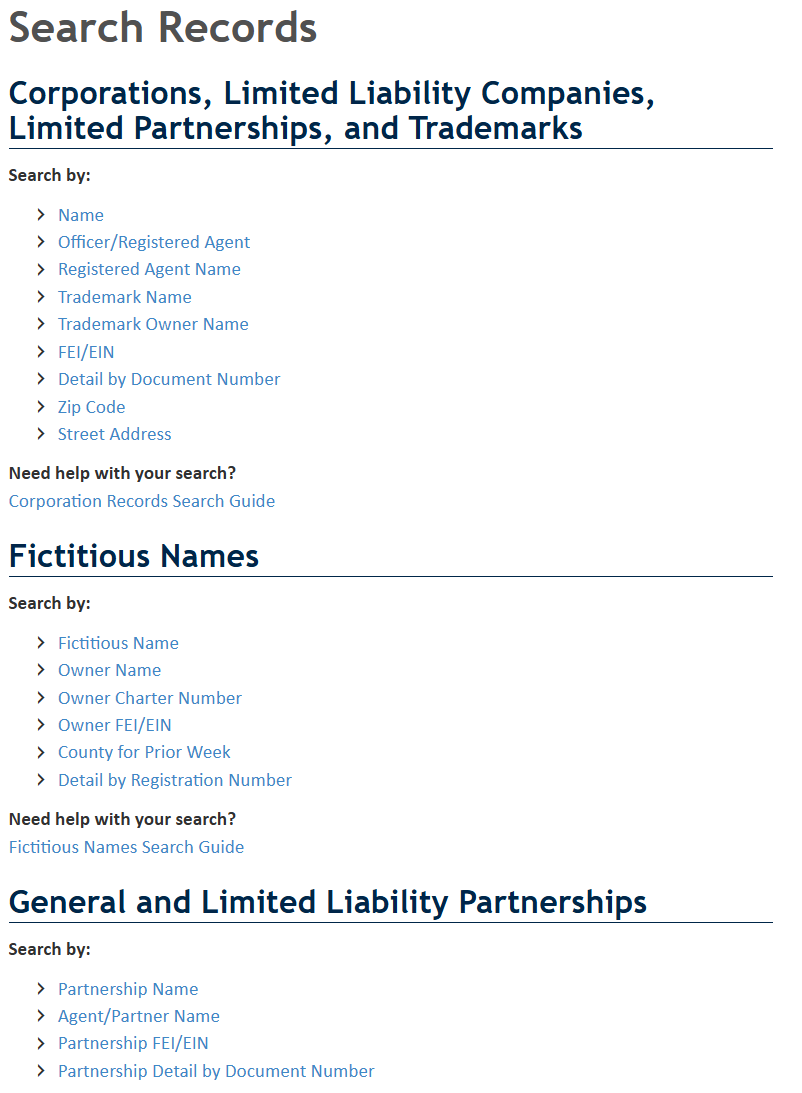
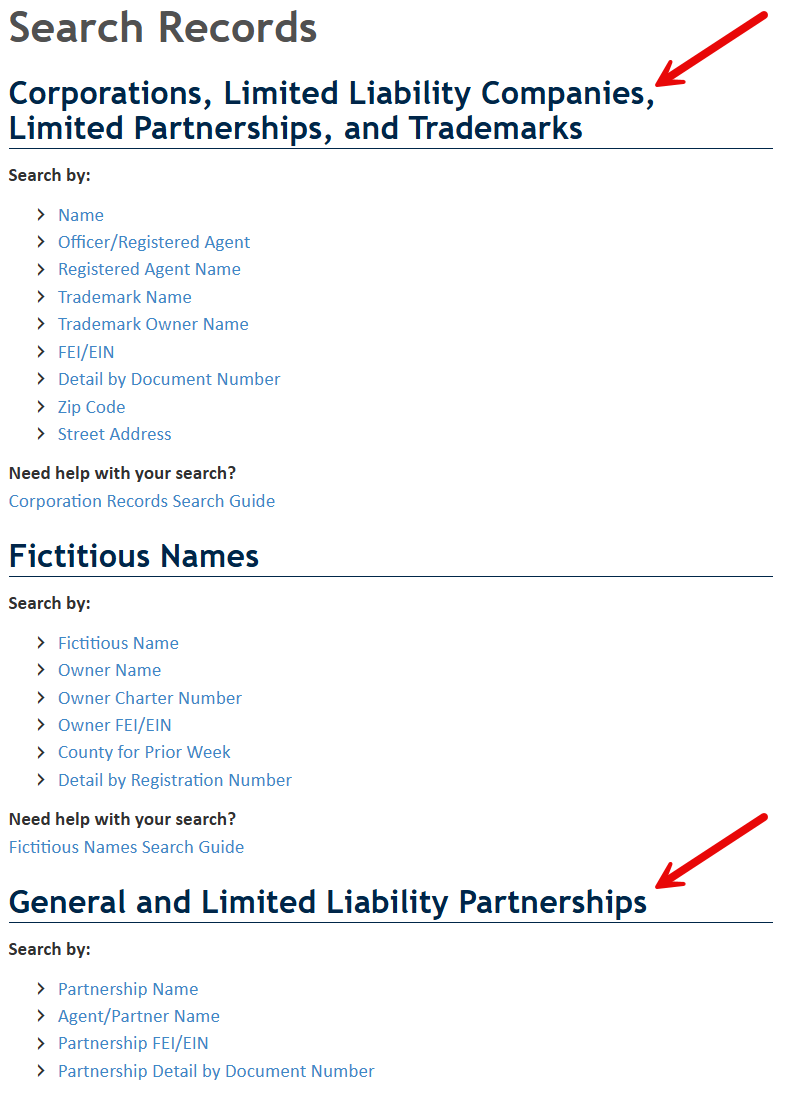
Florida’s business search page offers several ways to research entities. The main options are grouped into two entity categories:
- Corporations, LLCs, and LPs
- General partnerships and LLPs
Choose the option that matches the type of entity being researched and the information available for the search. For this tutorial, a name search will be performed for corporations, LLCs, and LPs (see image).
3. Enter an Entity Name
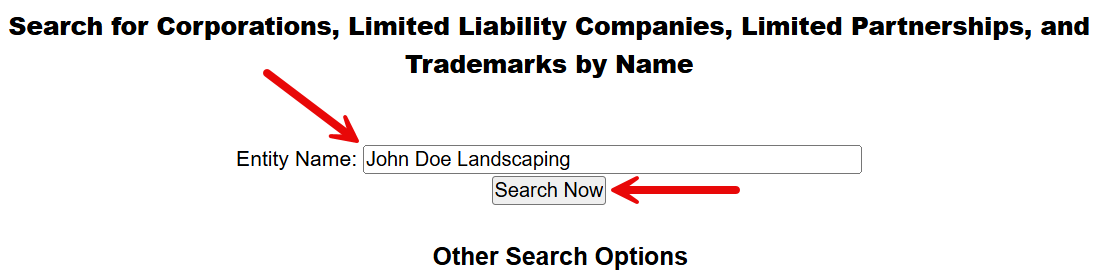
A new page will open with a blank entry field in the middle. Enter the entity name in the blank space and click Search Now.
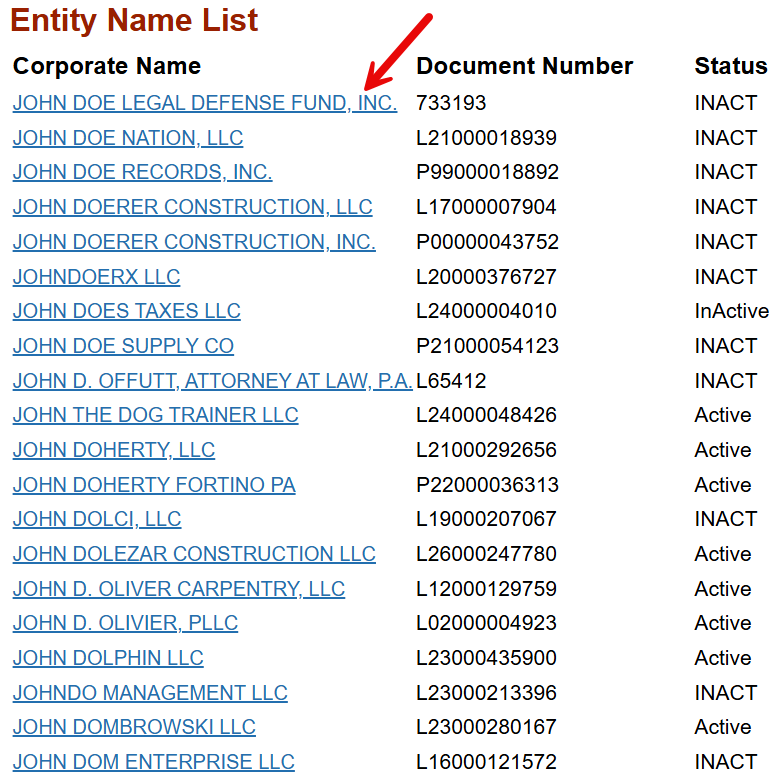
4. View the Entity Name List
The search tool will scan the business database and display entities whose names contain all or part of the searched text. The results also show each entity’s document number and current status.
Click on a business name to view the selected entity’s filing information and other details.
5. Inspect the Detailed Entity Report
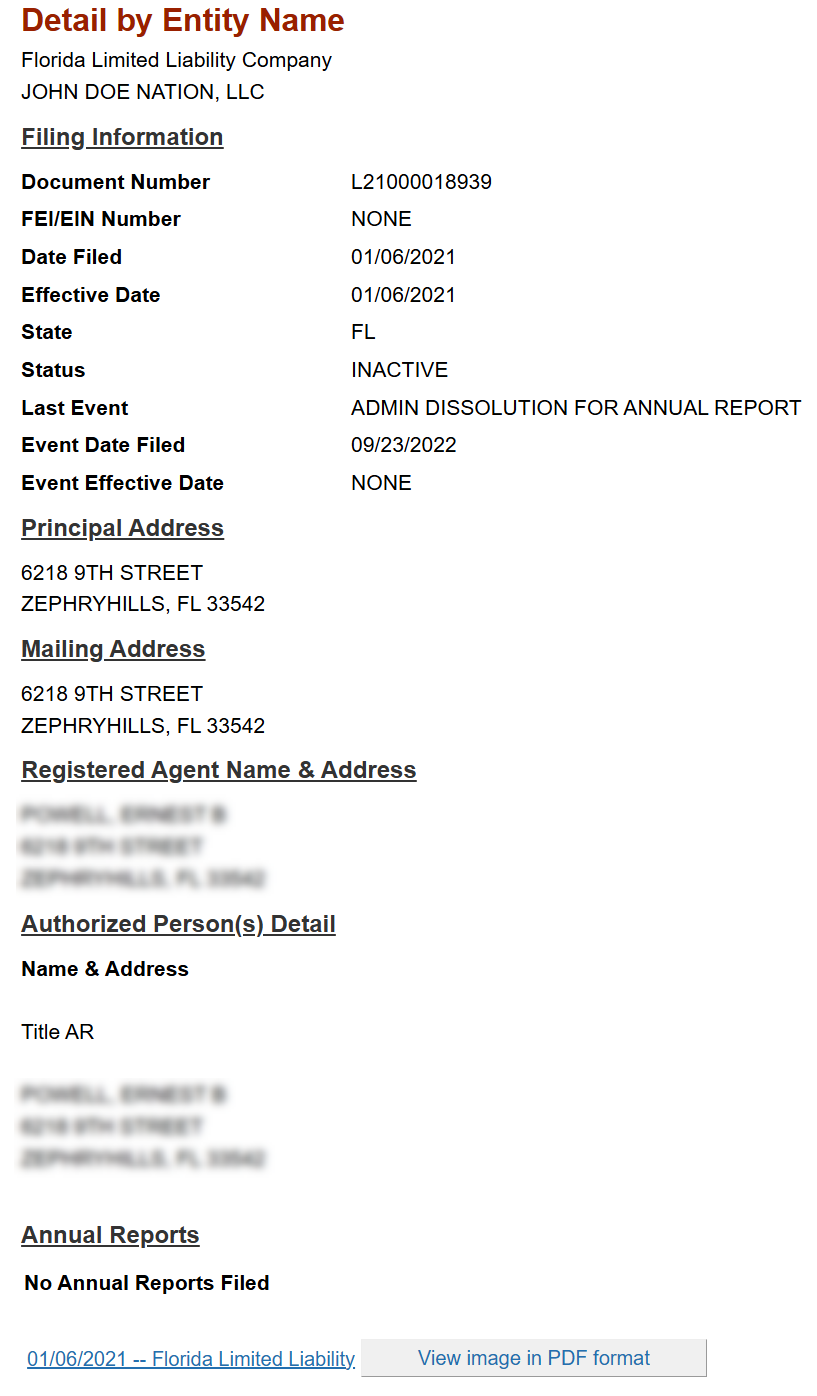
An entity report will be displayed on the next page. The report includes:
- Entity name
- Document number
- Filing date
- Effective date
- State of formation
- Last event description
- Event filing date
- Event effective date
- Principal address
- Entity mailing address
- Registered agent name and address
- Authorized person details
- Annual reports
Near the bottom of the report is a list of filed entity documents. Select View image in PDF format to open a copy of any document in a new tab (see image).