Search Maryland business entities through the State Department of Assessments and Taxation Business Express portal. The service can be used to quickly access an entity’s information or to research the availability of a business name. If no search results appear, users can create an account and file formation documents using the entered name.
Business Entity Search

By searching, you agree to our Terms of Use and Privacy Policy.
Business Entity Search
1. Go the Business Express Entity Search
2. Enter Business Name
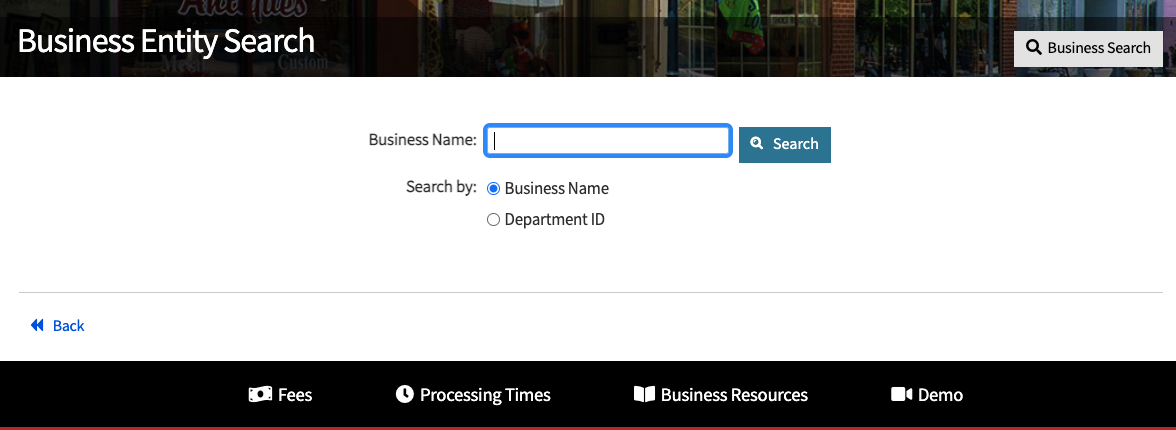
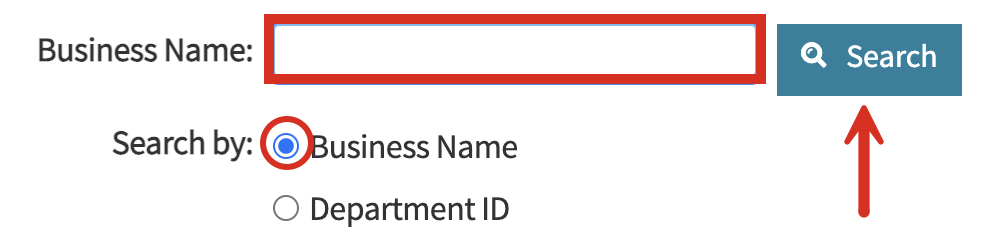
In the available field, enter the business name to see if it’s already registered by another company in Maryland. Make sure that Business Name has been selected next to Search by:.
Alternatively, users can search by Department ID to narrow the results to a single entity (useful if looking for business info or to file documents with the SDAT).
Click Search to view results.
3. Review Results Found
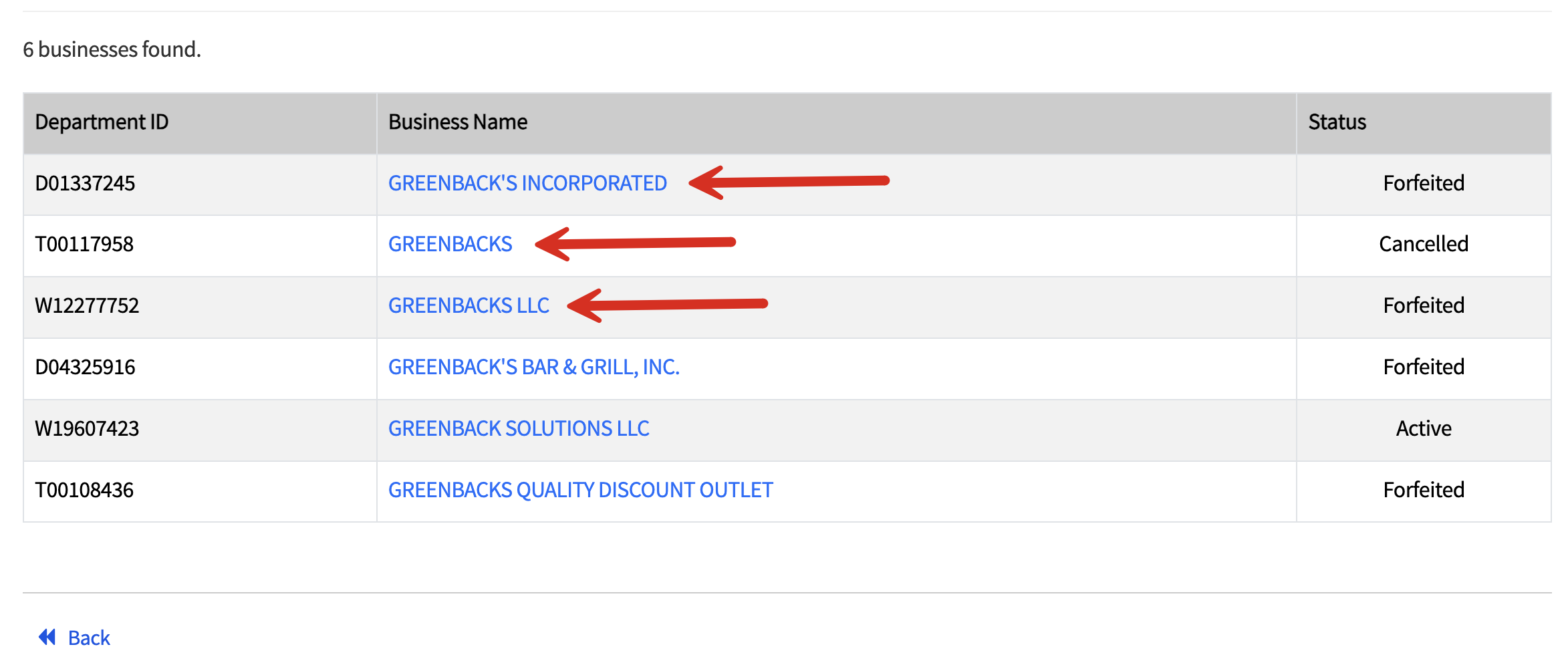
The same webpage will either display a number of entities that match the entered name (see below), or it will produce a yellow window that states that no results were found (see image).
If applicable, register/log into an account with the business express portal to create a new business filing under the chosen name.
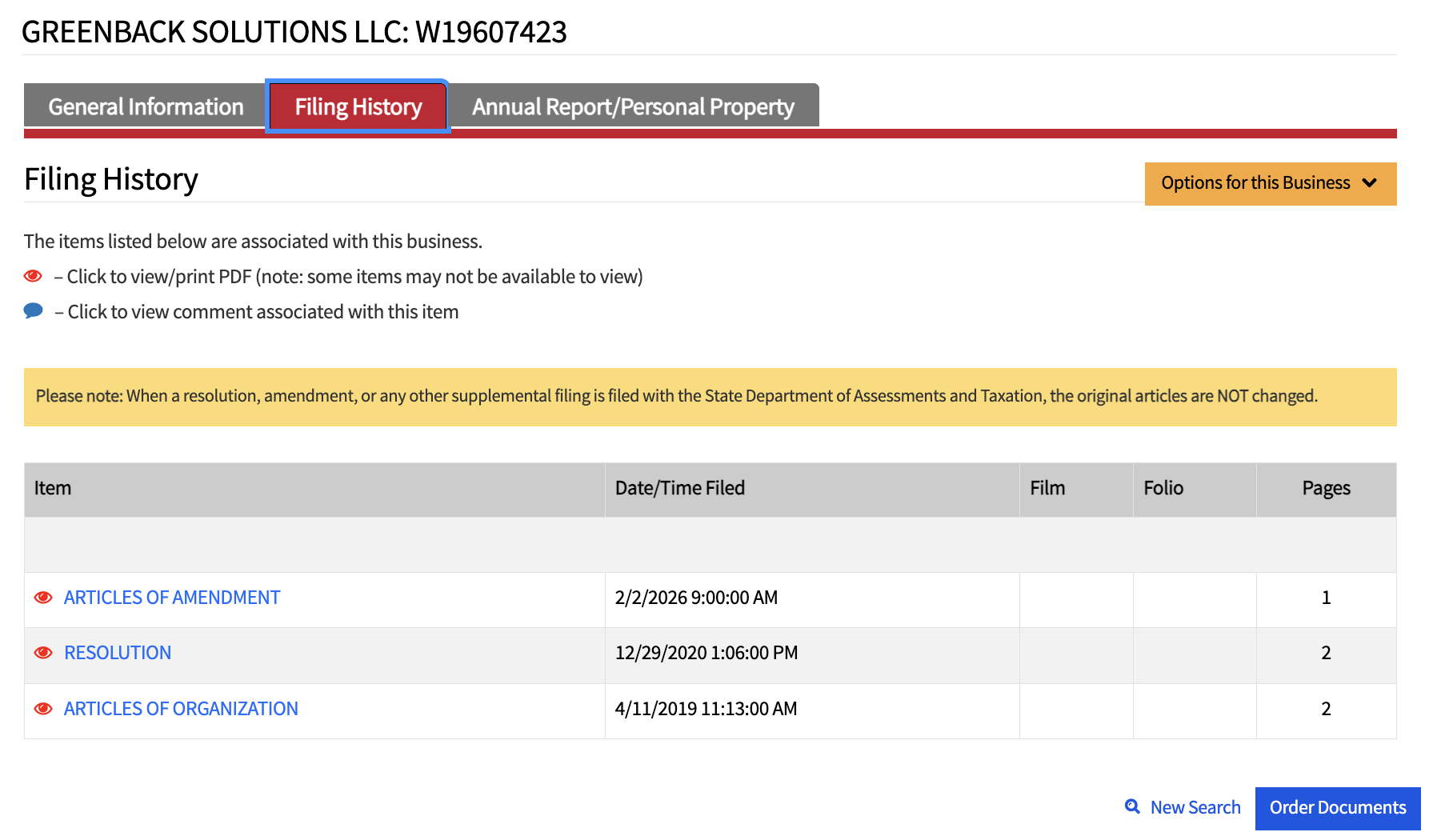
Users can also click the Business Name link to view more information beyond the ID #, entity name, and current status.
4. Examine General Information
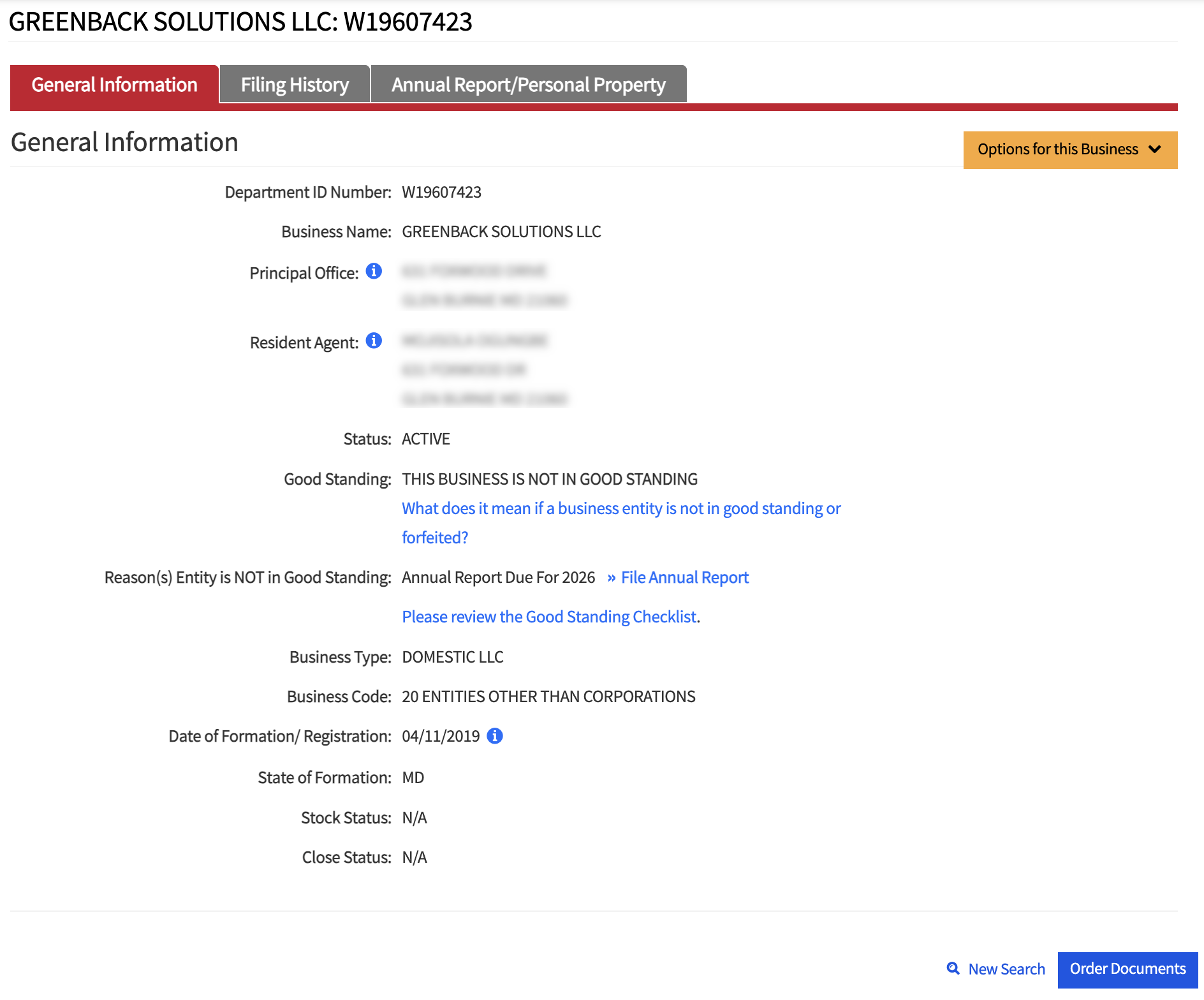
Business Express provides the following information for each entity researched through their portal:
- Department ID number
- Business name
- Principal office address
- Registered agent name and address
- Current status
- Whether in good standing
- Reason not in good standing (if applicable)
- Business type
- Business code
- Date of formation
- State of formation
- Stock status
- Close status
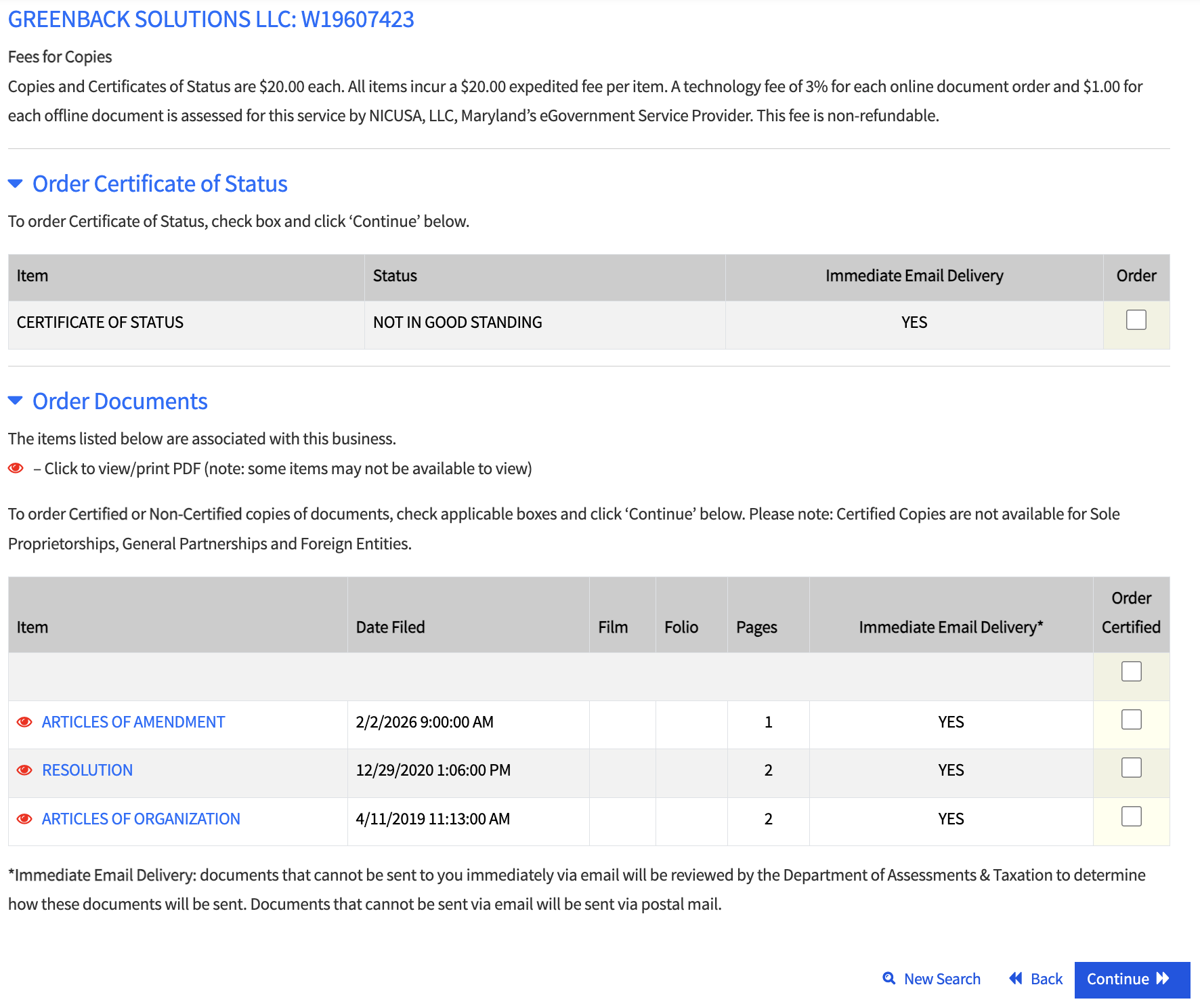
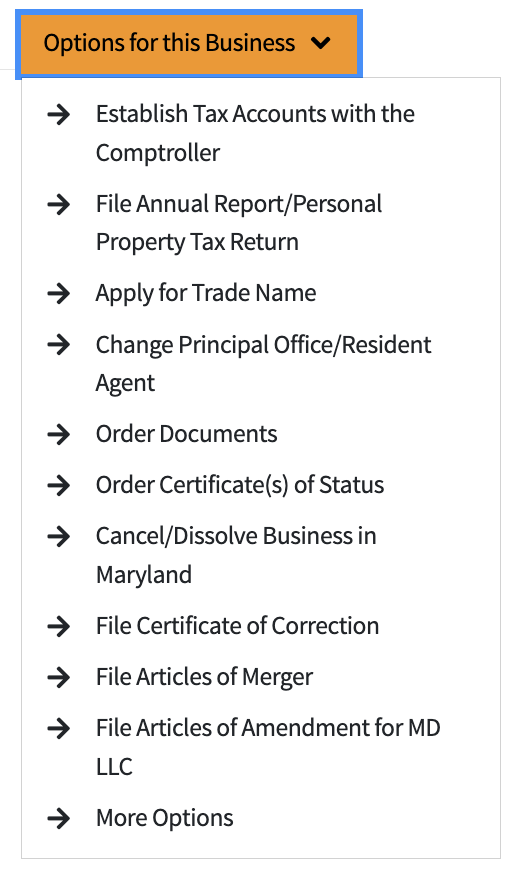
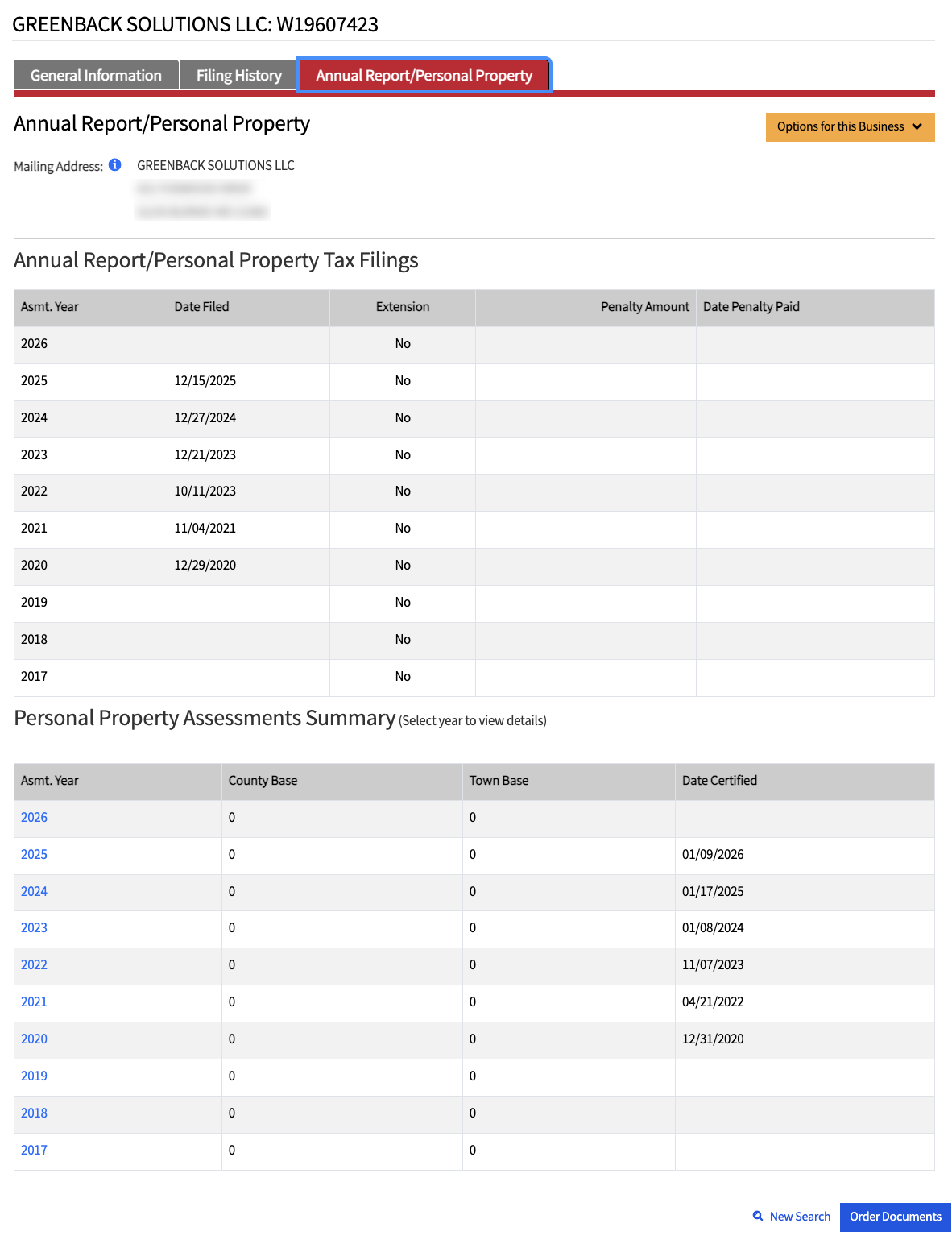
Users can also File Annual Report, review the checklist for good standing requirements, and Order Documents (see image).