Search the Montana business database to access the filing history and information of any registered entity, active or inactive. The search function allows business owners to cross-check the Secretary of State records for similar entity names that could cause the formation documents to be rejected.
Business Entity Search

By searching, you agree to our Terms of Use and Privacy Policy.
Business Entity Search
1. Navigate to MT Business Search
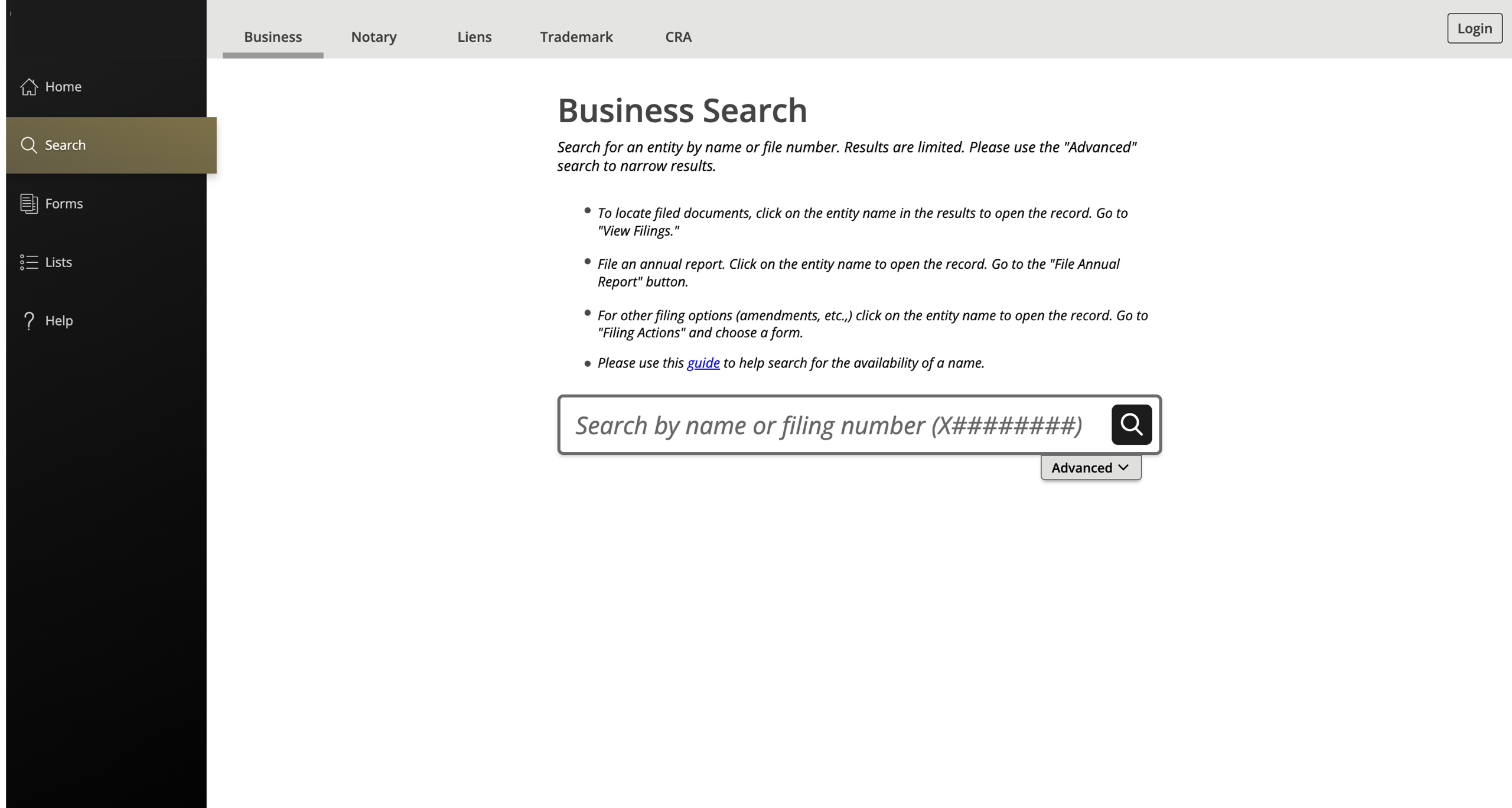
2. Search by Name
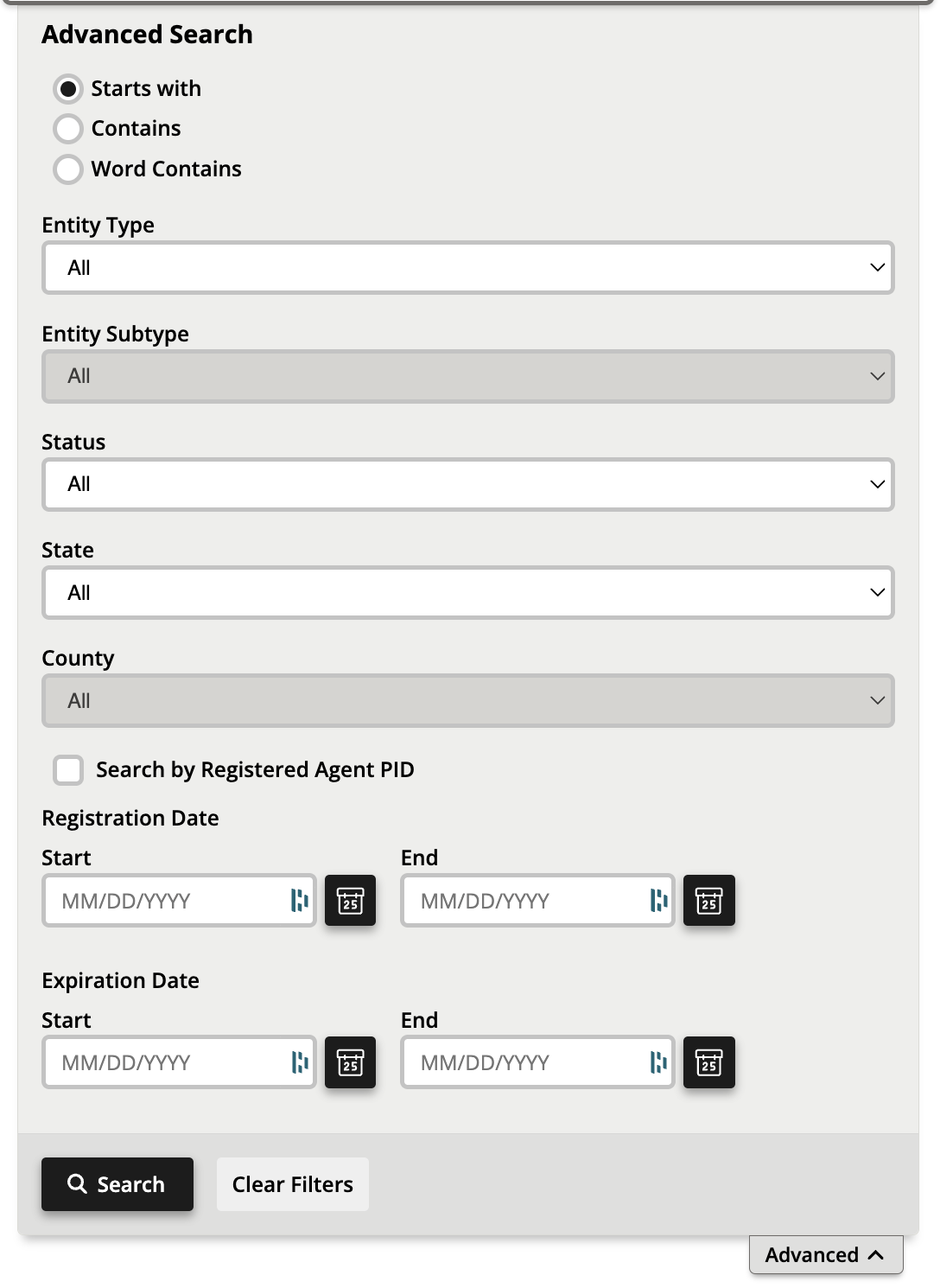
Users have the immediate choice of searching by name or filing number. To research whether a chosen business name is available for registration or reservation, enter it into the available field and click the magnifying glass icon.
Searching by filing number can be used to find a particular entity immediately.
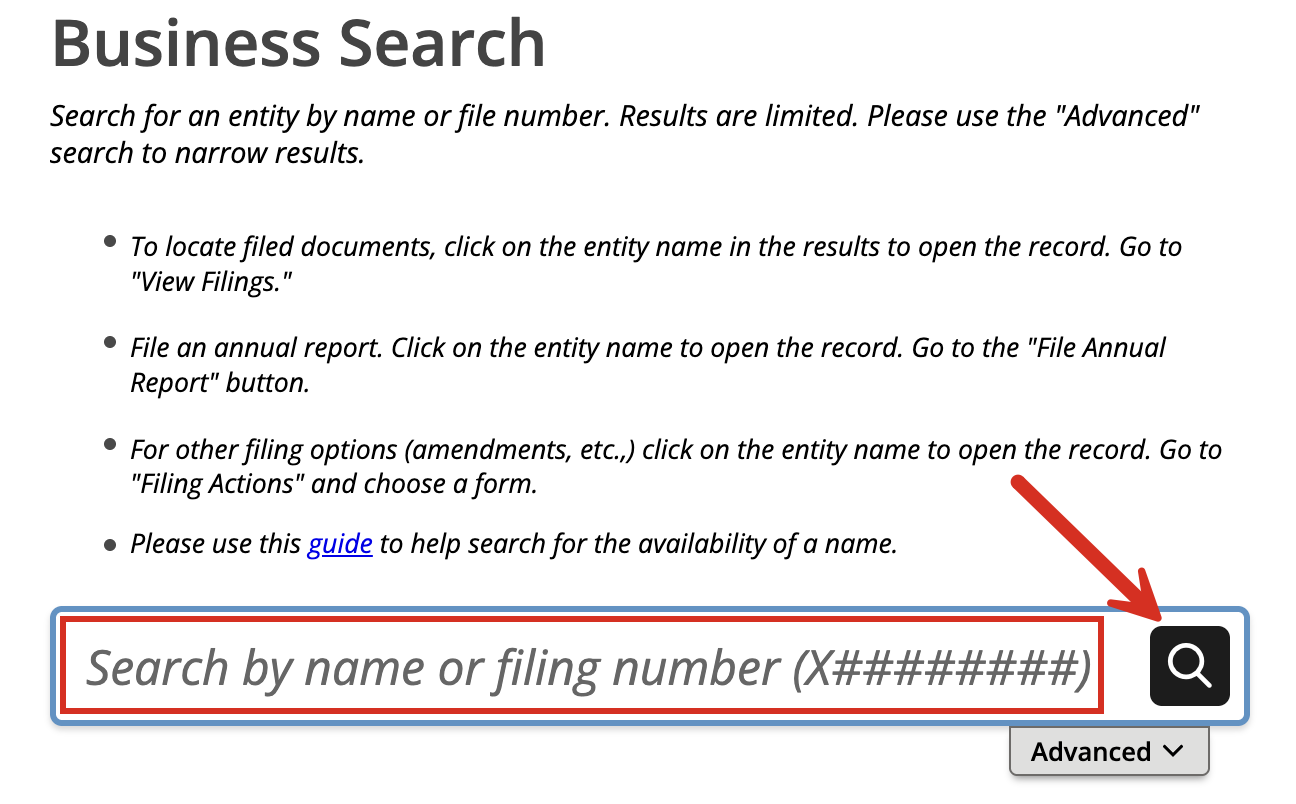
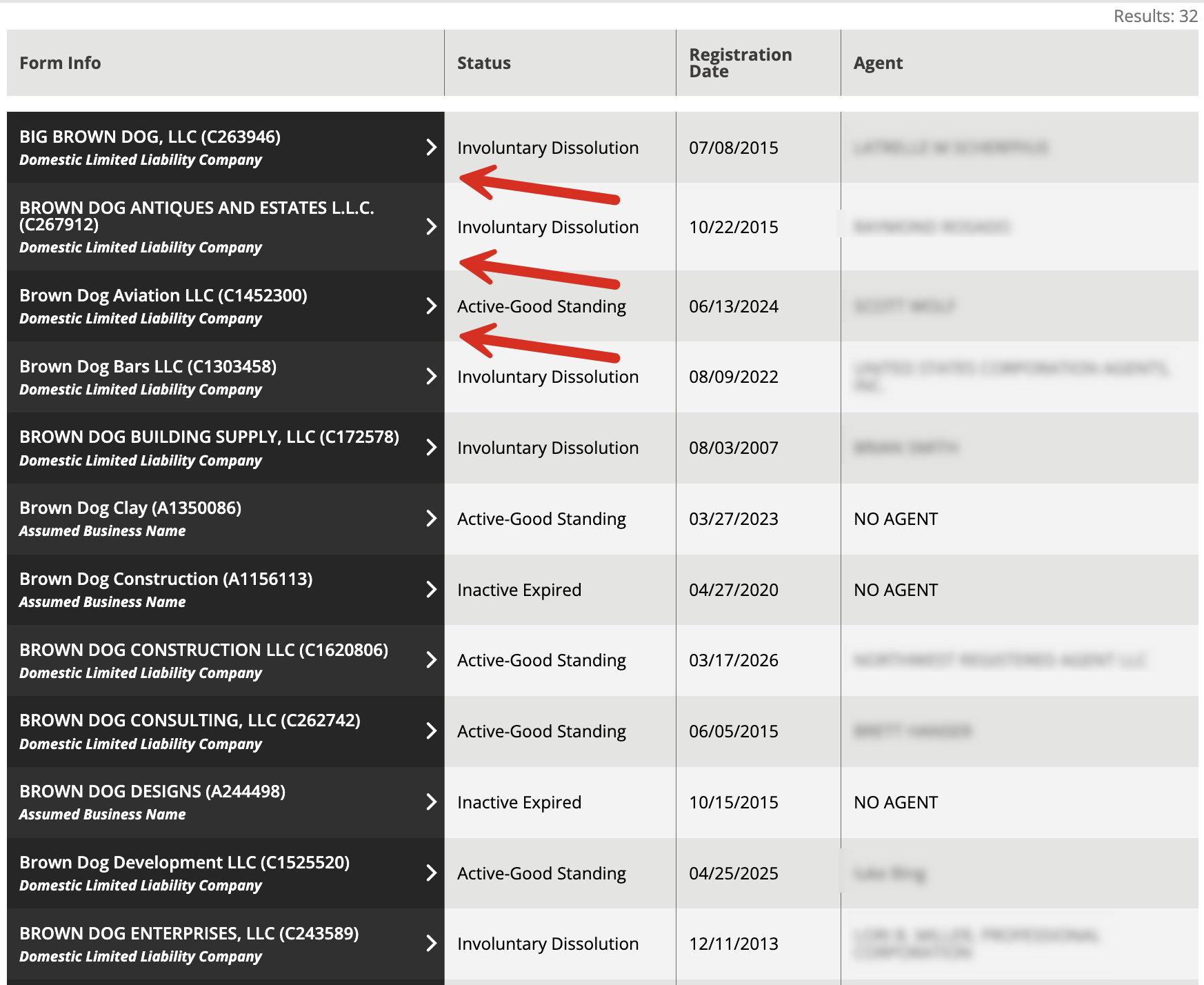
3. Inspect List of Results
If a list of results appears further down the page, check to see if any of the names closely resemble the one chosen. If yes, a new name should be selected.
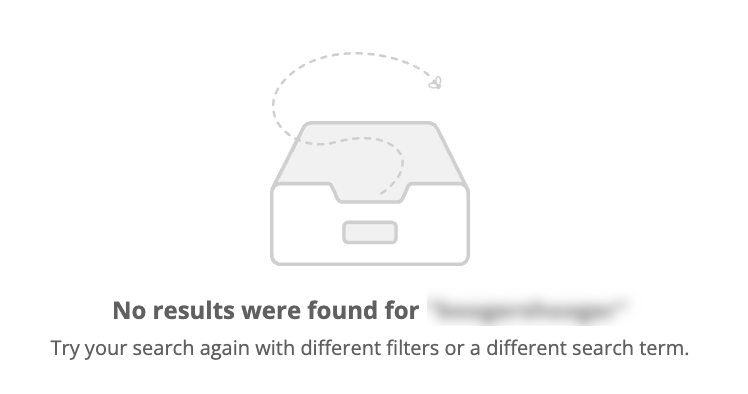
If the page states that no results were found (see image), the entity name can likely be used.
Select any business entity from the left-hand column to view their information in more detail.
4. Verify Company Info
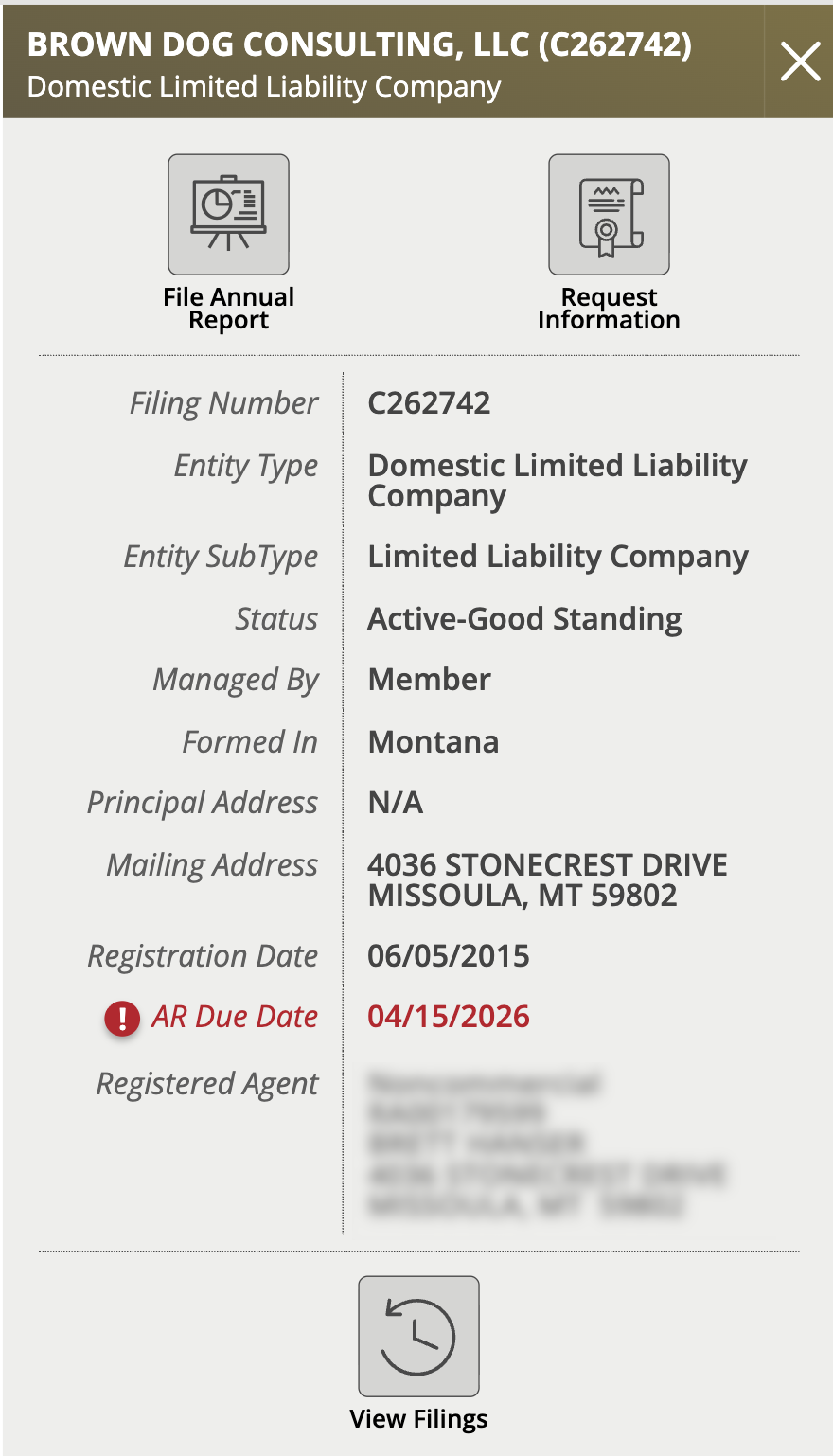
On the right-hand side of the screen, a window should appear with the entity name and type at the top. It should present the following:
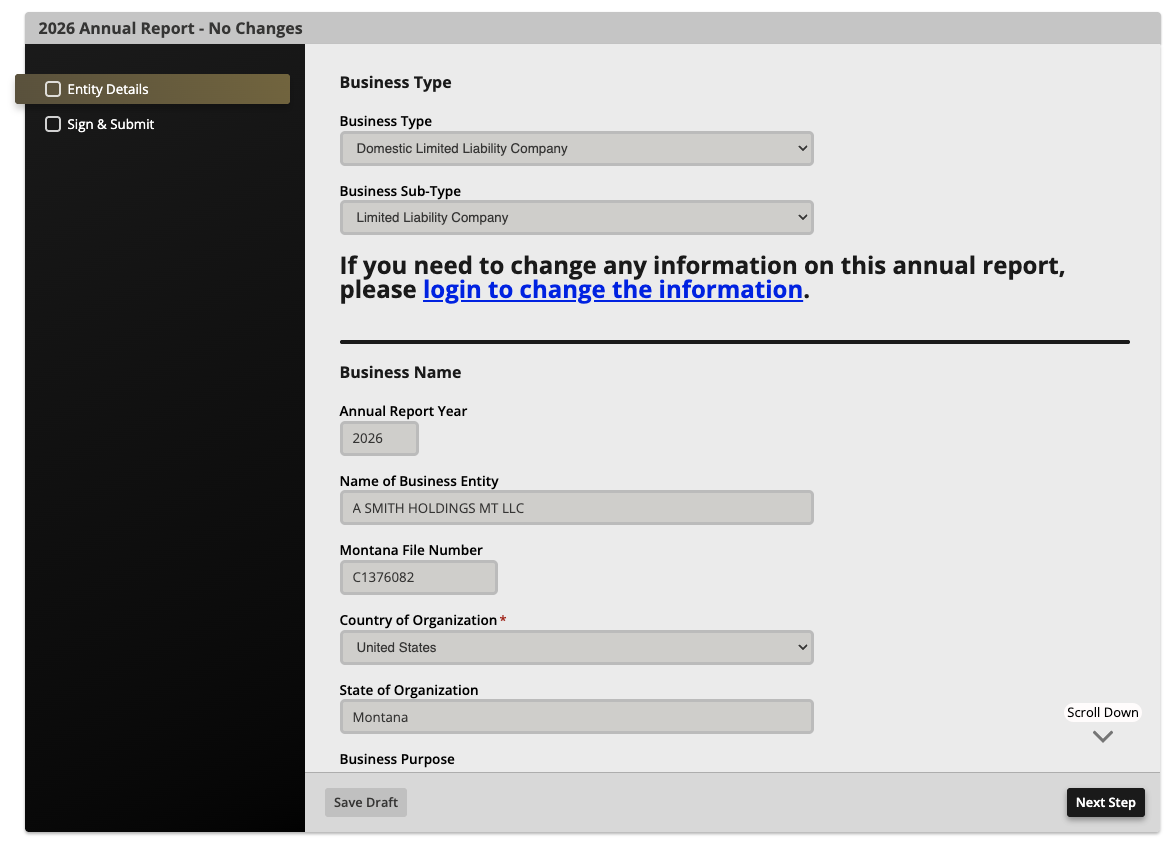
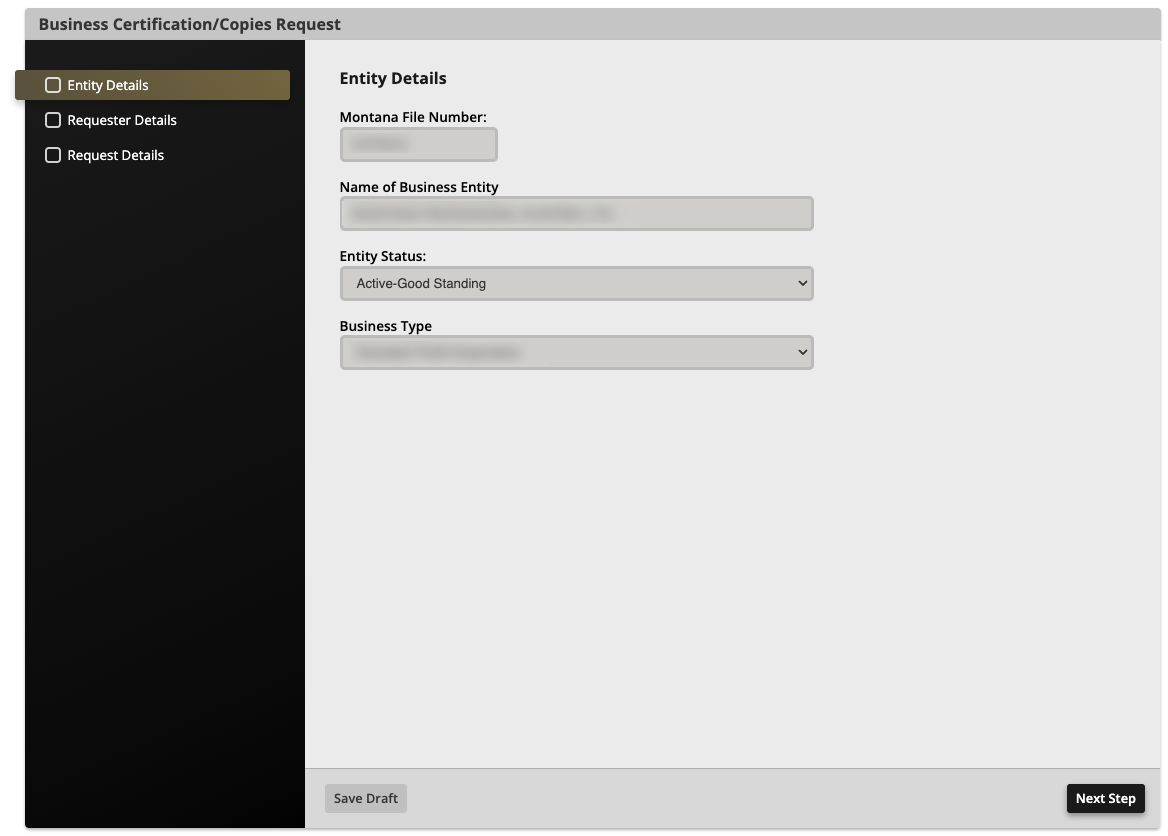
- File Annual Report (see image)
- Request Information (see image)
- Filing number
- Entity type
- Entity subtype
- Status
- Previous entity names (if applicable)
- Whether member or manager-managed (LLC only)
- Region of formation
- Principal address
- Mailing address
- Registration date
- Annual report due date
- Registered agent name and address
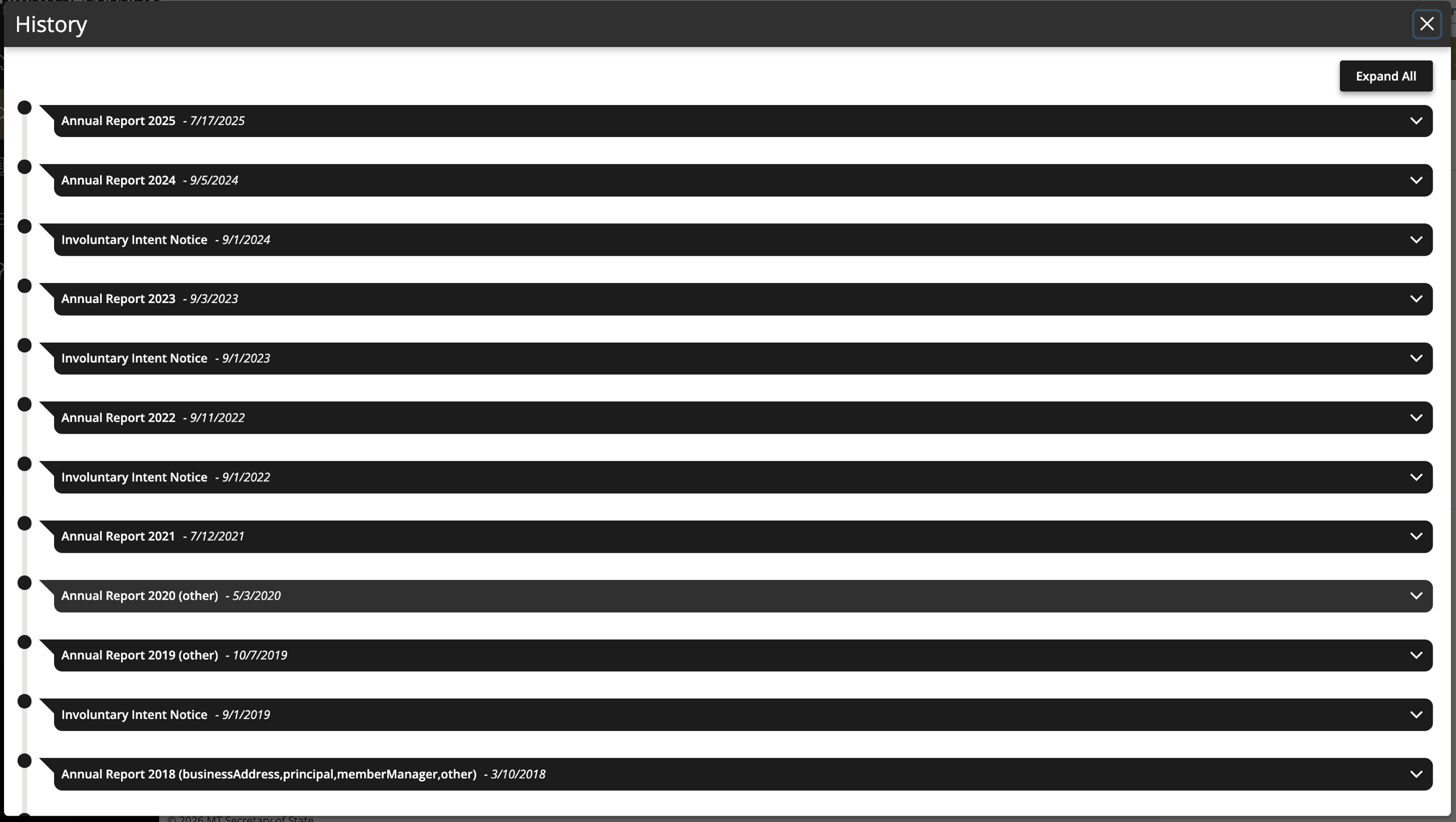
- View Filings (see image)