Perform a business entity search on the Secretary of State website to find out whether a name is taken or to research an existing business. Prior to registering a new entity, founders should search the database to make sure their chosen business name isn’t already being used. If it is, any formation filings will likely be rejected upon submission.
Business Entity Search

By searching, you agree to our Terms of Use and Privacy Policy.
Business Entity Search
1. Go to Secretary of State Business Search
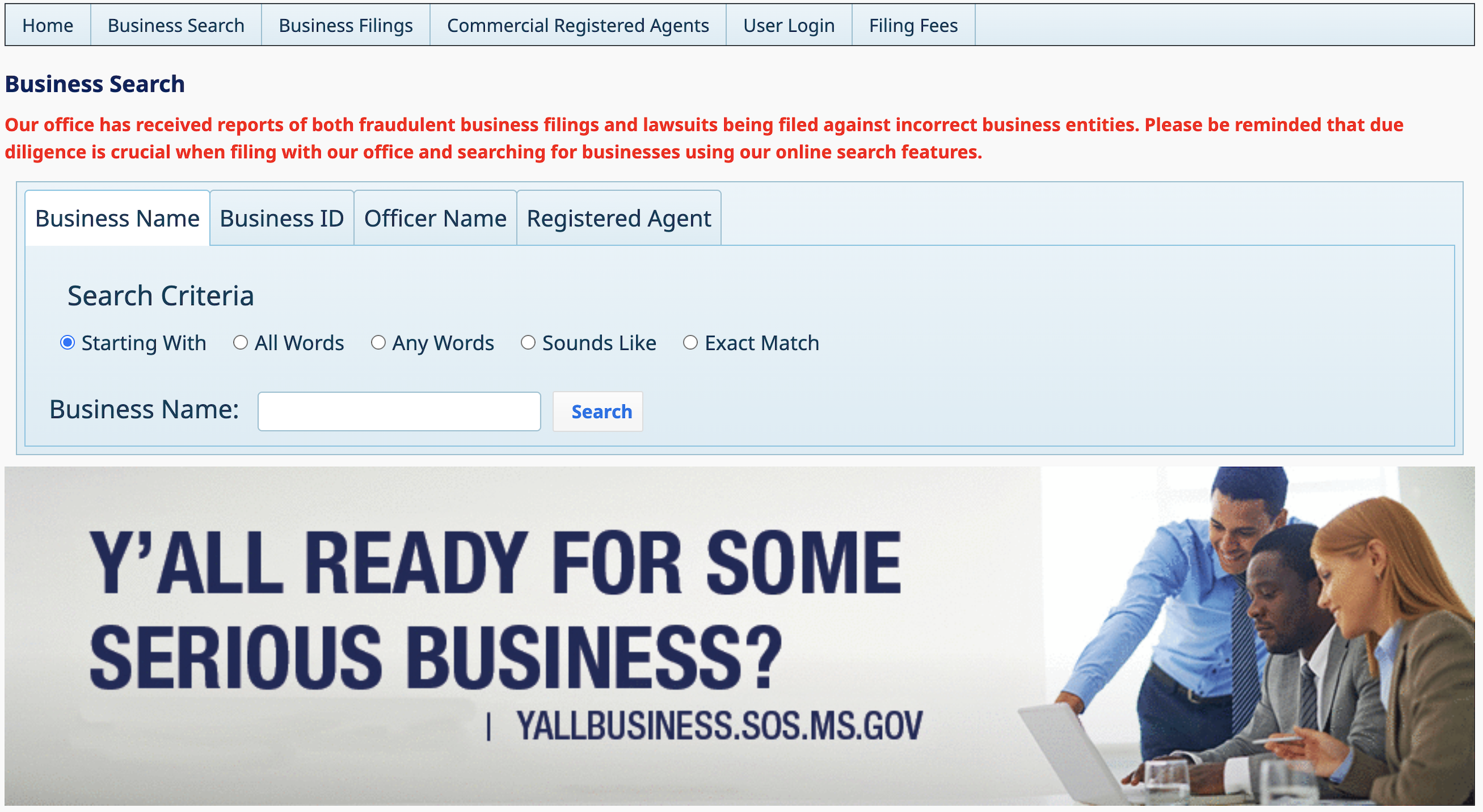
2. Enter Business Name
To find out whether a business name is available, enter it into the empty field and select the appropriate Search Criteria. (Starting With and All Words will often give the best results.) Click Search when ready.
A database search can also be used to find out the business info of a particular entity. Queries can be performed with the business name, or through via Business ID (see image), Officer Name (see image), and Registered Agent (see image).

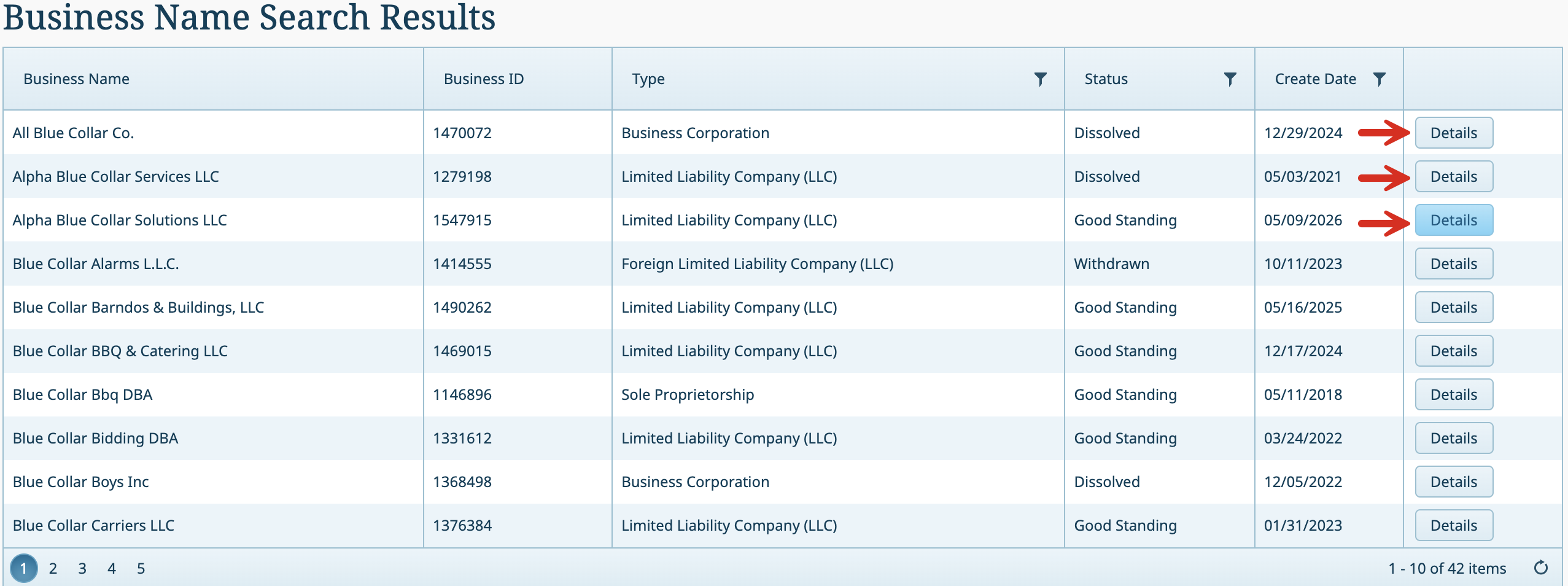
3. View Matching Results (Two Options)
1. Name is available – If there are no results that match the chosen name (see image), its likely that it can be used when registered a new entity.
2. Name is unavailable – If a list appears, search the results to see if any are similar to the one desired for the entity. If yes, a new name should be chosen.
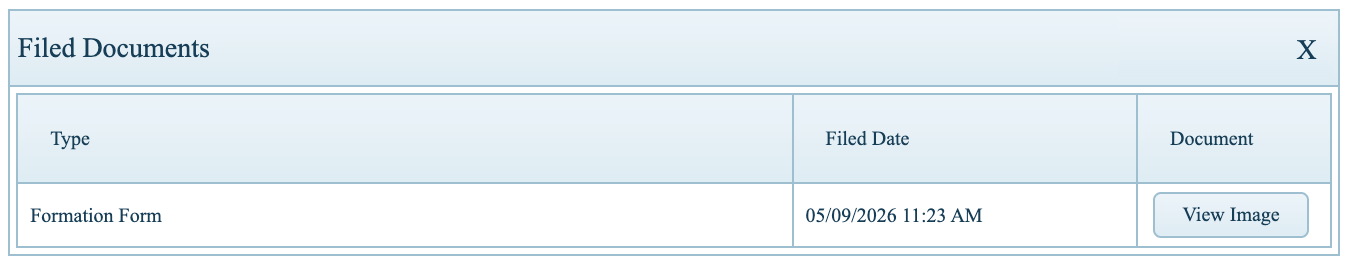
To view more information, click the Details button.
4. View Business Information
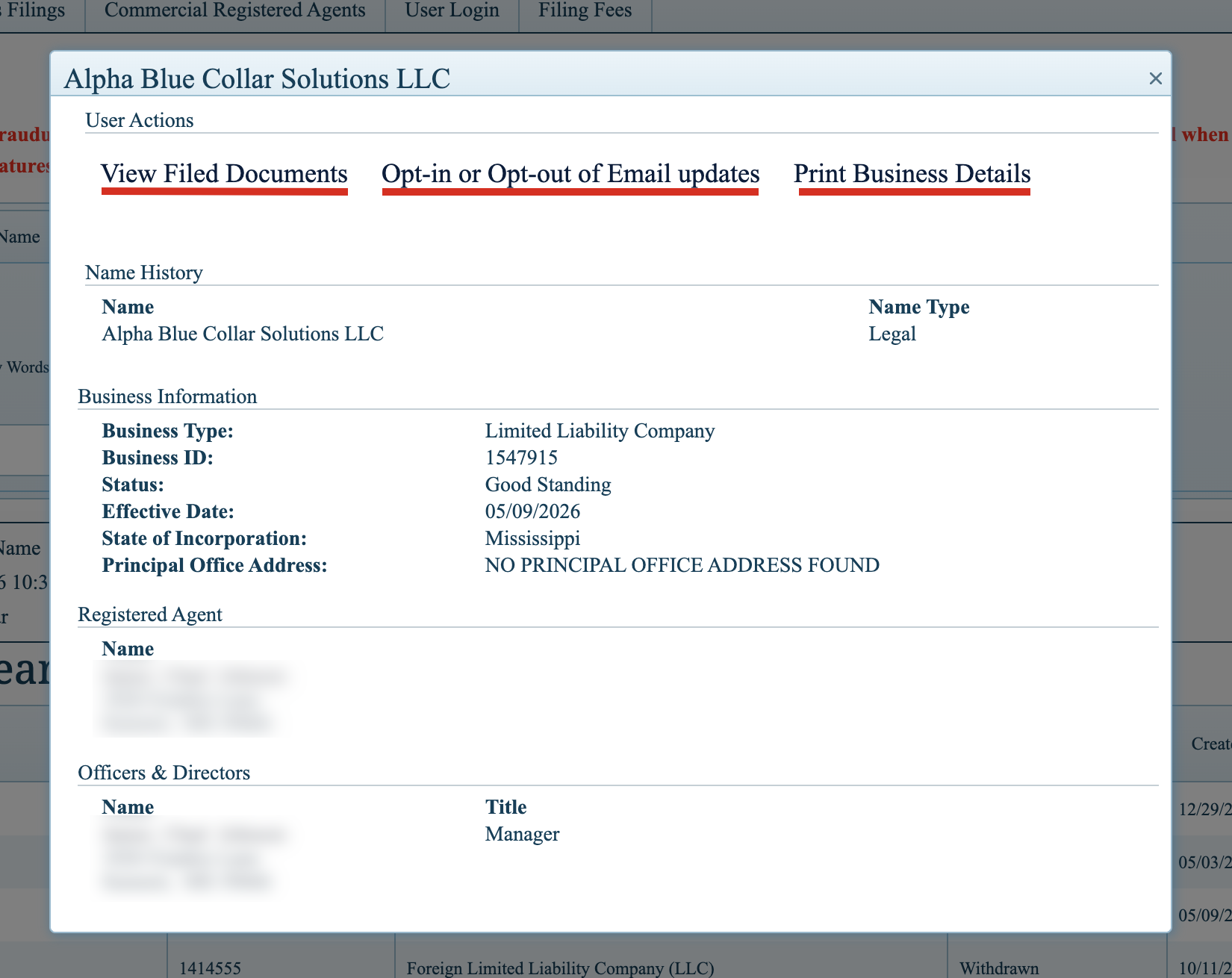
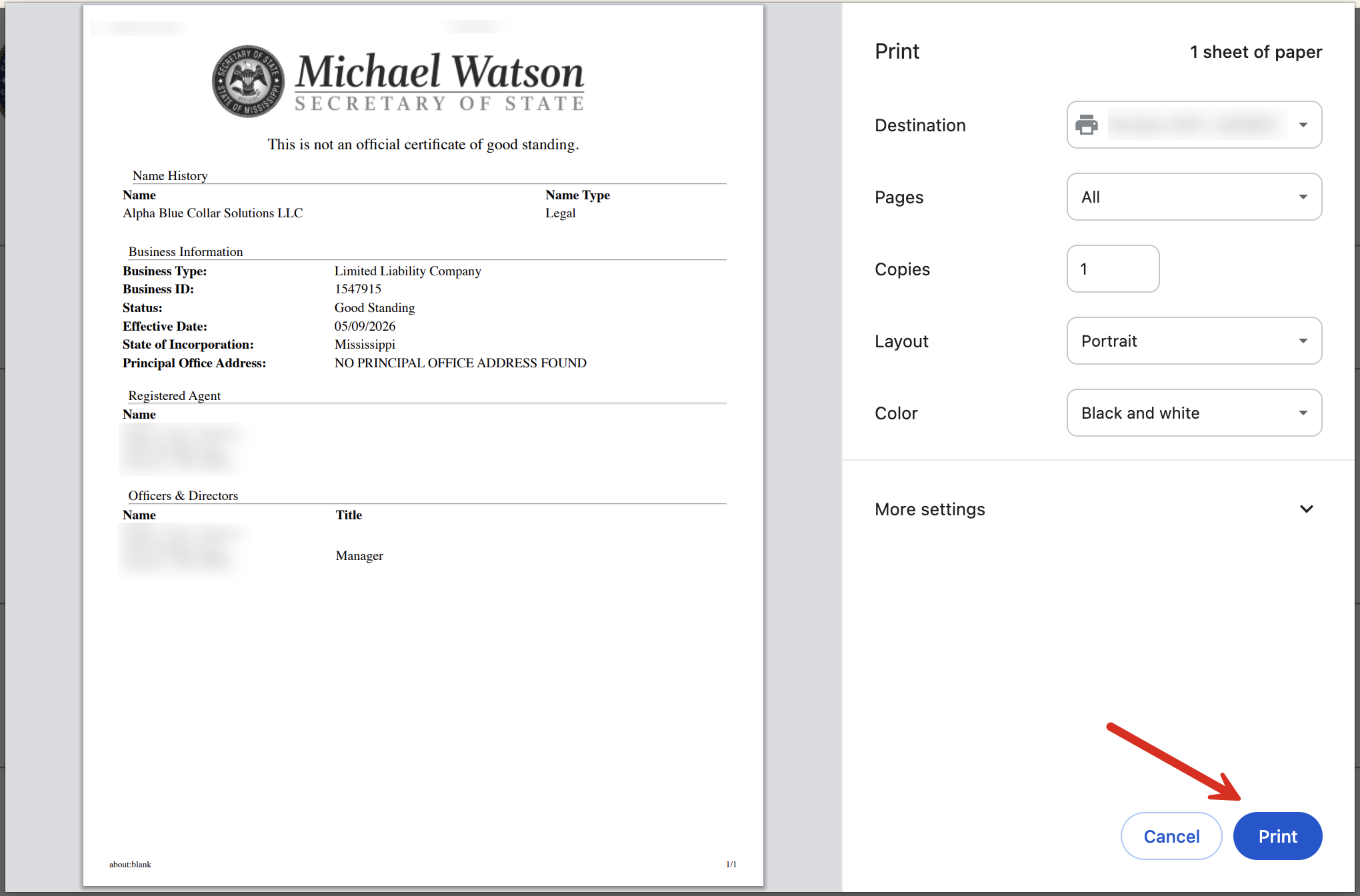
Each entity has the following public information displayed on the Secretary of State website:
- Name
- Name type
- Business type
- Business ID
- Current status
- Effective date
- State of incorporation
- Principal office address
- Registered agent name and address
- Names, addresses, and titles of officers and directors