Find Vermont business entities with the Secretary of State Business Services Division Search. This platform provides information on every company registered with the SOS and can help determine whether a name is available for a new business to use. If a name appears to be unused, it must still meet statutory naming and filing requirements before being approved.
Business Entity Search

By searching, you agree to our Terms of Use and Privacy Policy.
Business Entity Search
1. Go to the SOS Business Search
2. Perform Business Name Search
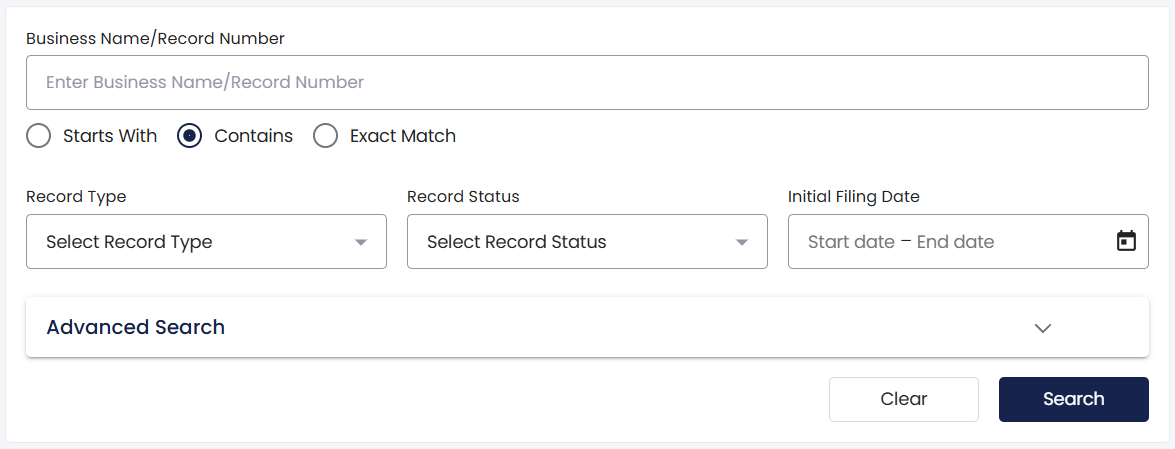
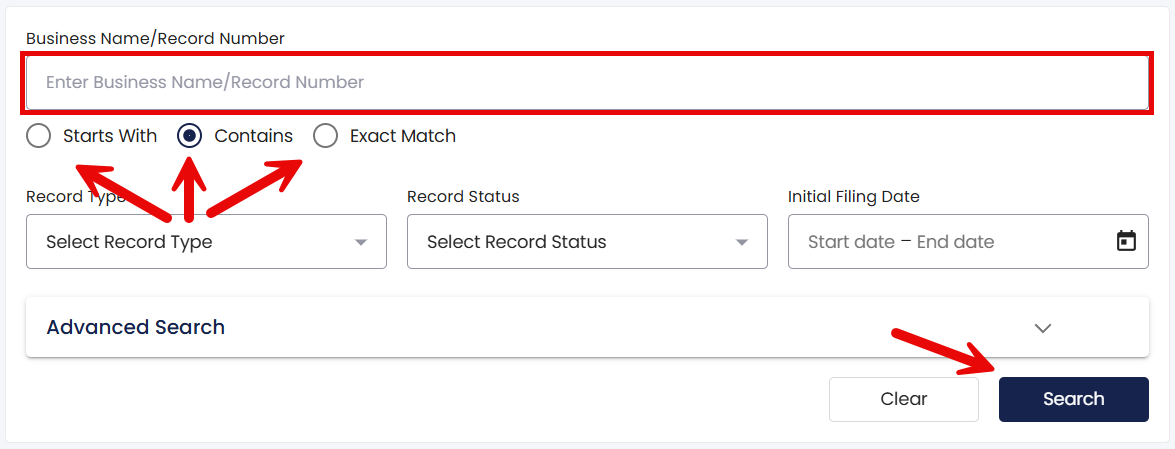
Entity names and information can be found by entering a name or keyword(s) into the search field, selecting a filter (Starts With, Contains, or Exact Match), and clicking Search.
To narrow the search results even more, the Record Type (i.e., type of entity), Record Status, and Initial Filing Date filters can be used (see image).
3. View Search Results
No Results: When the keyword or business name entered does not match any records in the database, the site will display a No search results found pop-up (see image). This indicates that the name is potentially available, although availability not guaranteed.
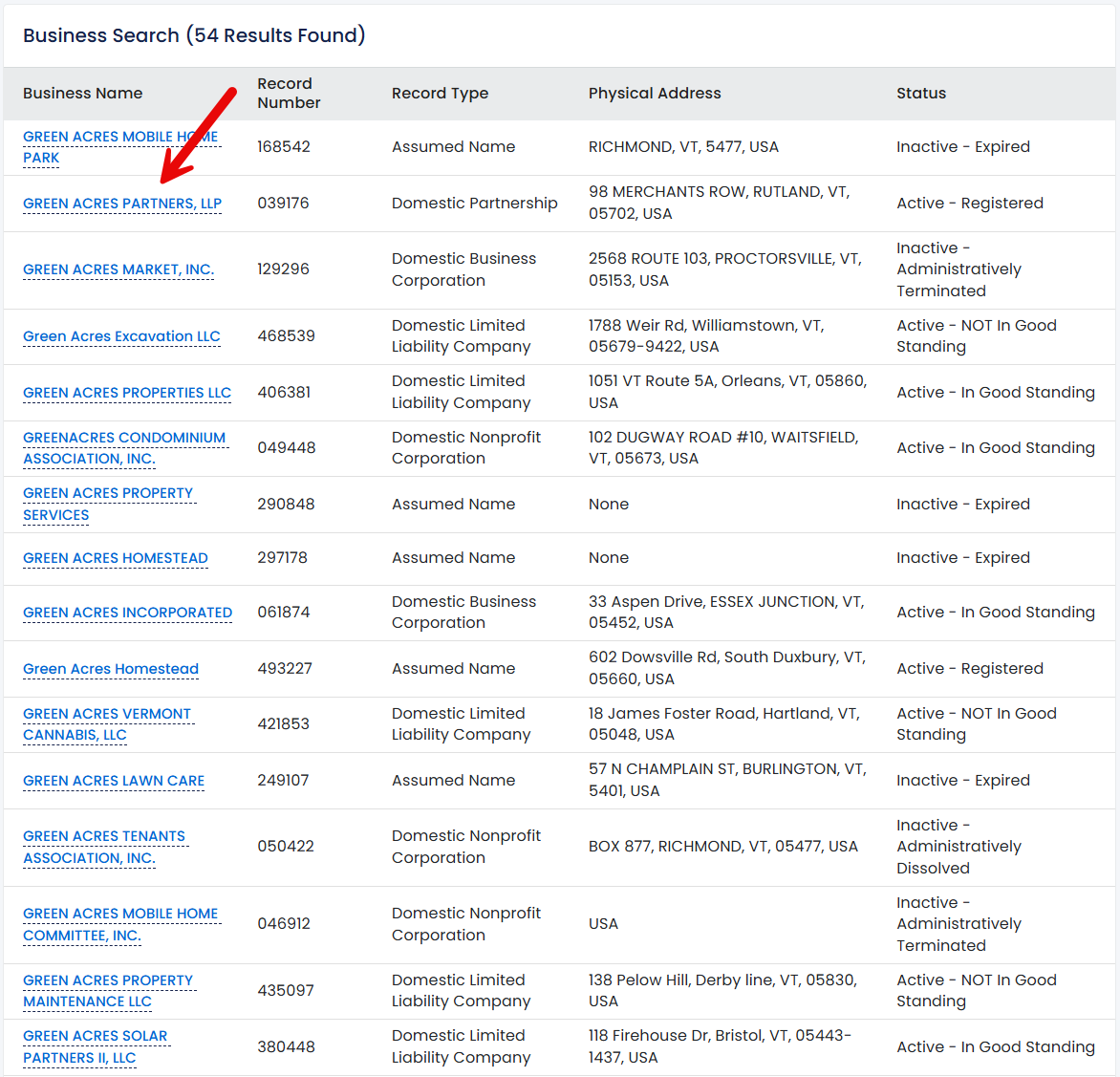
Matching Results: A list of all business names that match the search criteria will appear along with each entity’s record number, record type, address, and status. Additional information can be viewed by clicking on any entity name.
4. Inspect Record Information
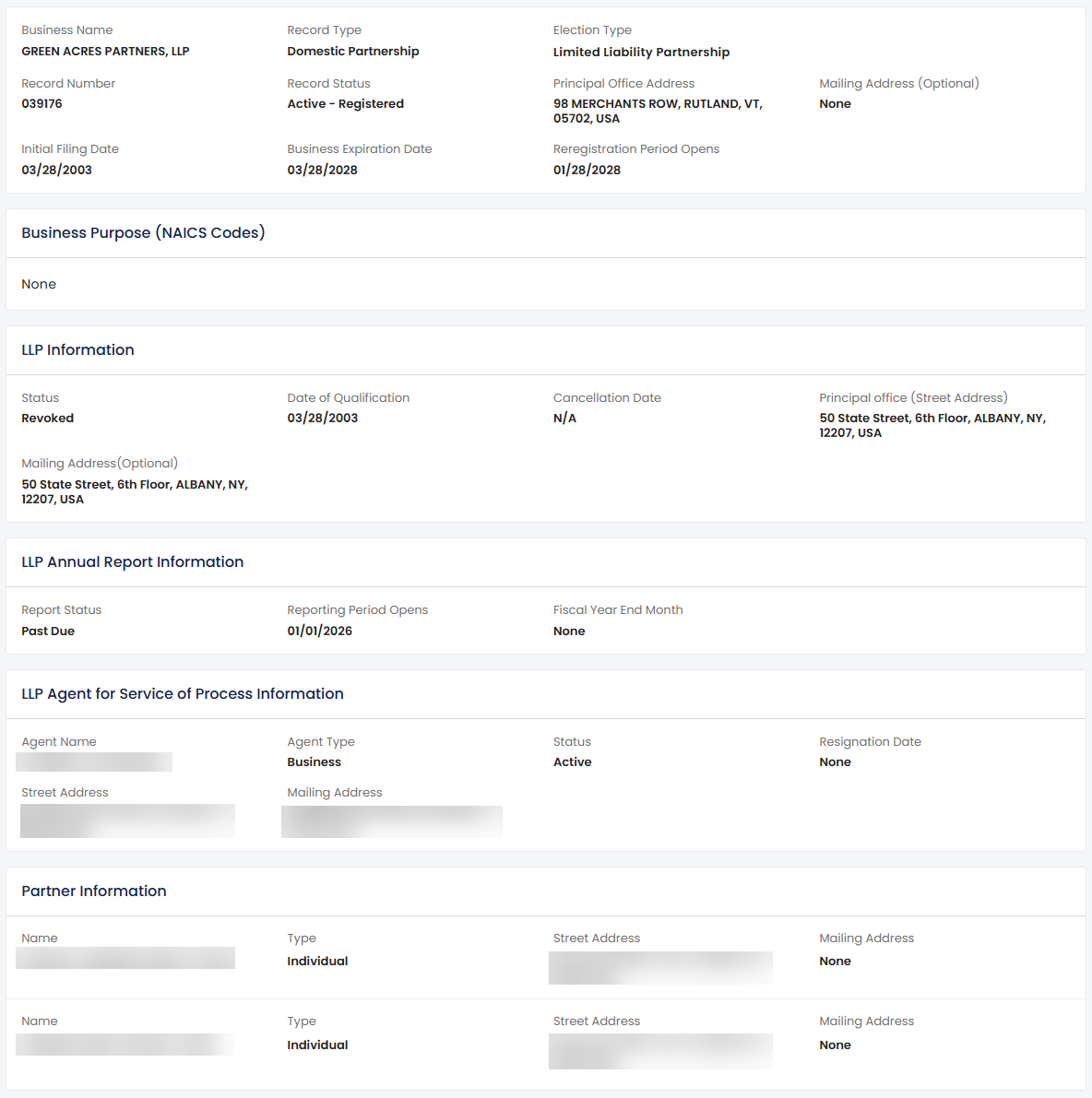
Clicking a business name on the search results page opens up the Record Information page where the following business details can be viewed:
- Entity name
- Record type
- Election type
- Record number
- Record status
- Office address
- Mailing address
- Initial filing date
- Expiration date
- Reregistration date
- Business purpose
- Partnership info (if applicable)
- Annual report info
- Agent info
- Partner/principal info
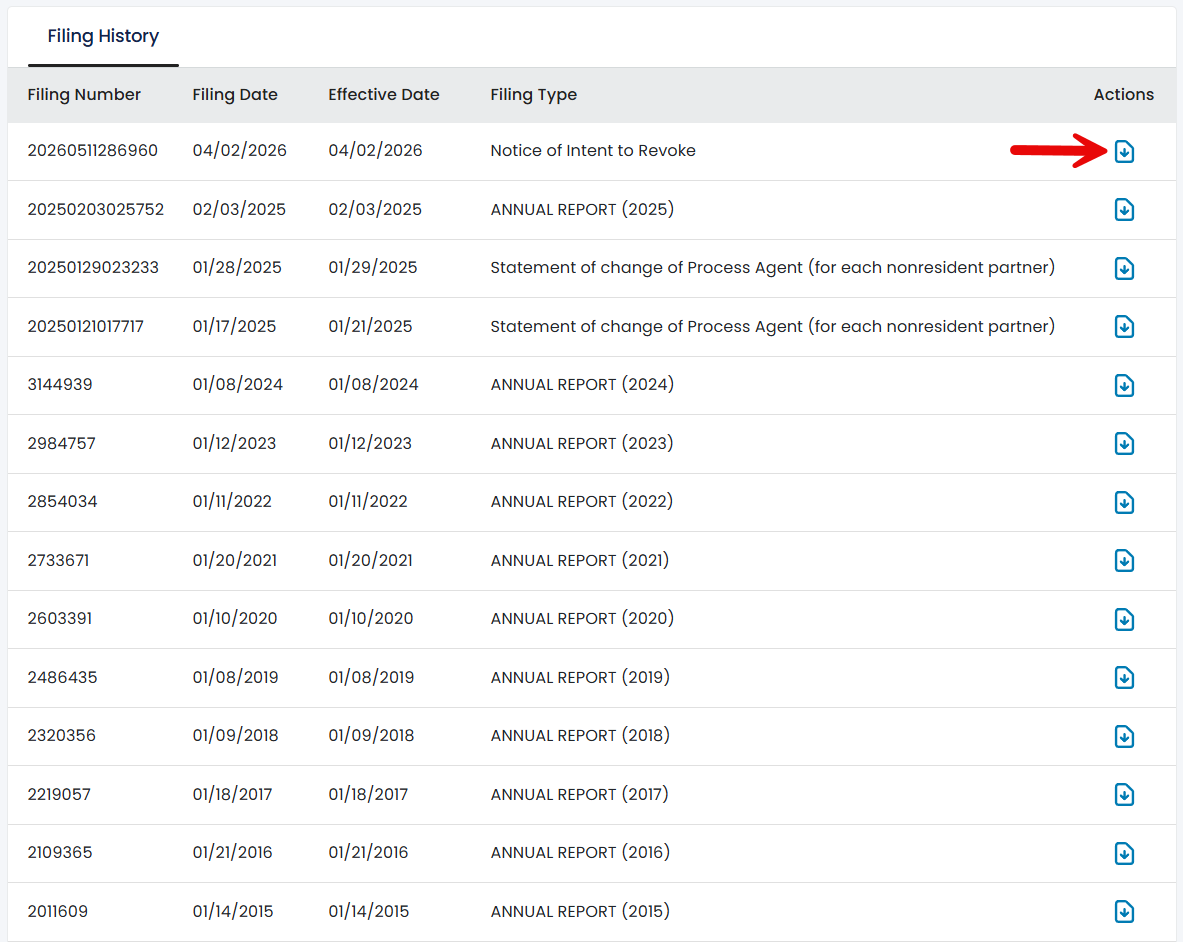
5. Read SOS Filings
The last section of the page includes a list of all documents filed with the SOS. Click on any link under the Actions column to pull up a particular document.